DCS Command System User’s Guide
77
Menu Operations - Systems
Remote Powerdown: (cont’d)
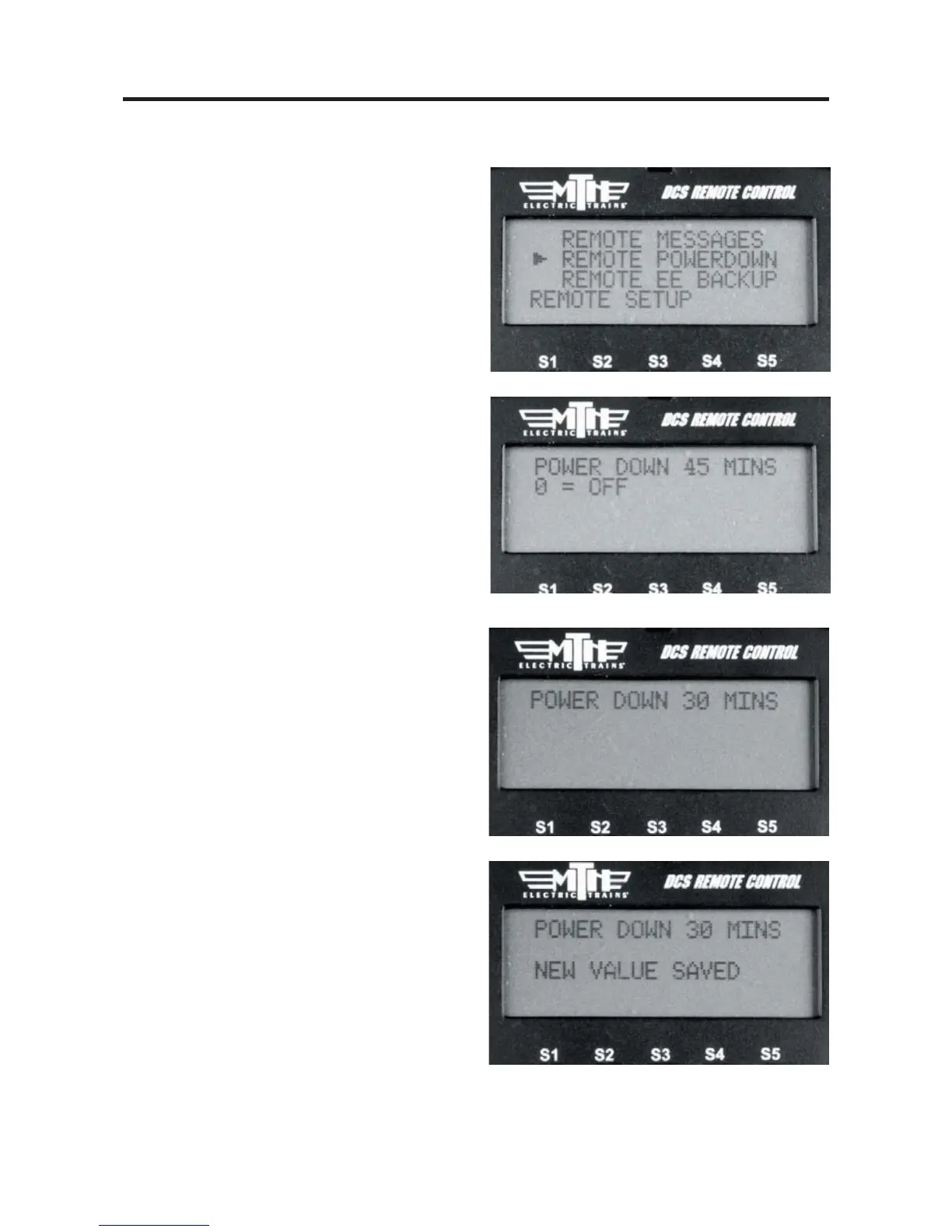
4. Select REMOTE POWERDOWN
5. Use the thumbwheel to display the value
you wish to set as your DCS Remote's
sleep timer (from 1-60 minutes).
6. Press the thumbwheel to select the
value. When pressed the remote will say
“NEW VALUE SAVED”.
Remote Back up
For more information on Remote Back Up
please visit our website at:
http://www.protosound2.com/
On the DCS Software Updates table
download:
DCS Remote Clone Software Version 1.0



 To Next Page