DCS Command System User’s Guide
Menu Operations - Advanced
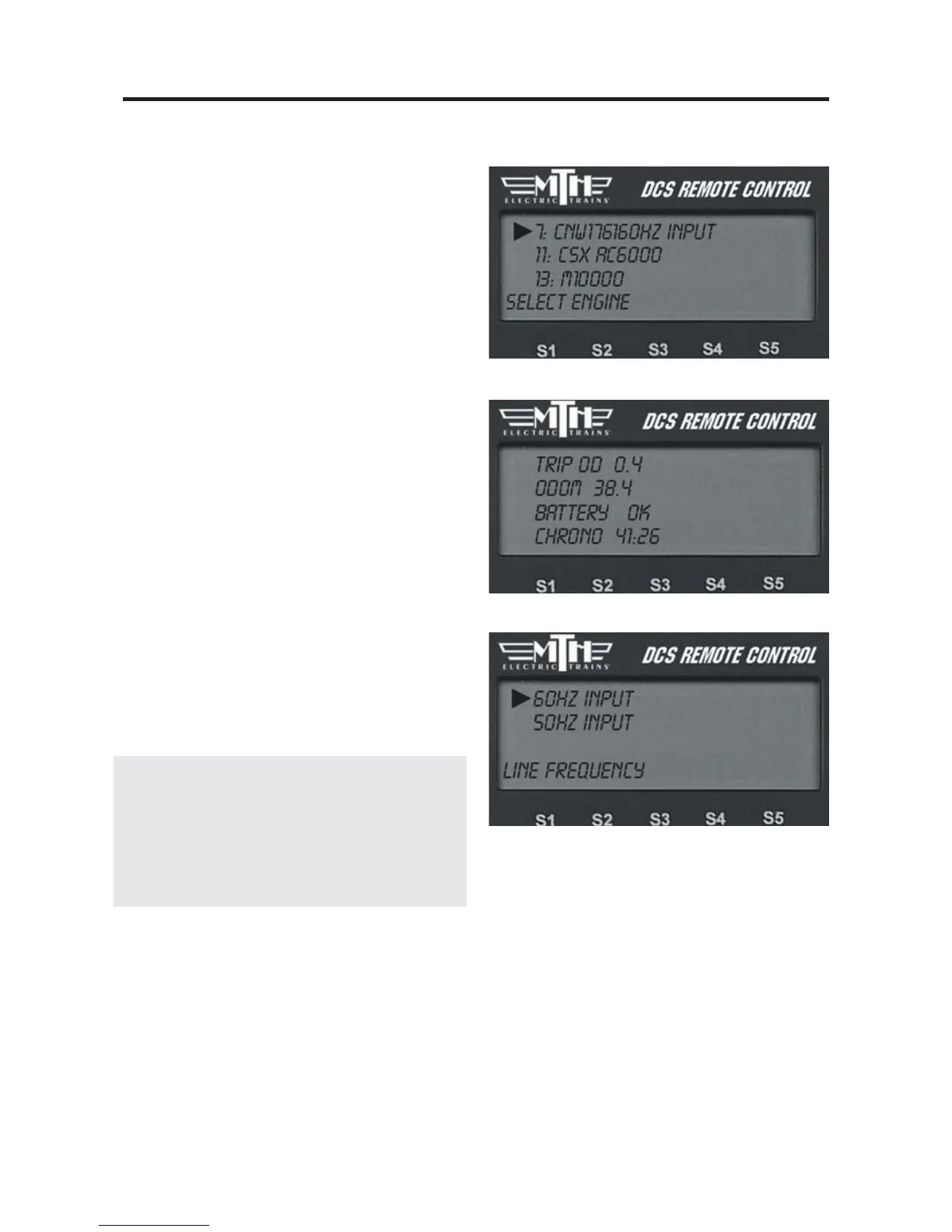
Information
Select this menu function to find a list of
your engine’s vital statistics:
-
Trip Odometer (scale miles)
-
Odometer (scale miles)
-
Battery Status (OK or Low)
-
Chronometer (recorded in real time used)
The Trip Odometer starts over at the
beginning over every operating session for
that engine. The Odometer and
Chronometer cannot be changed. This
makes it a great tool for people interested
in buying and selling engines; buyers can
confirm operation.
AC Input
Select 60 Hz or 50 Hz power source and
press the thumbwheel to set. The default
setting is 60 Hz (North American
Standard).
Note: Initial set-up of the system set to its 60
Hz default position will not harm equipment
used in a 50 Hz environment, but you must
change the system to 50 Hz before attempting to
control tracks via the DCS system.



 To Next Page