DCS Command System User’s Guide
Menu Operations - Control
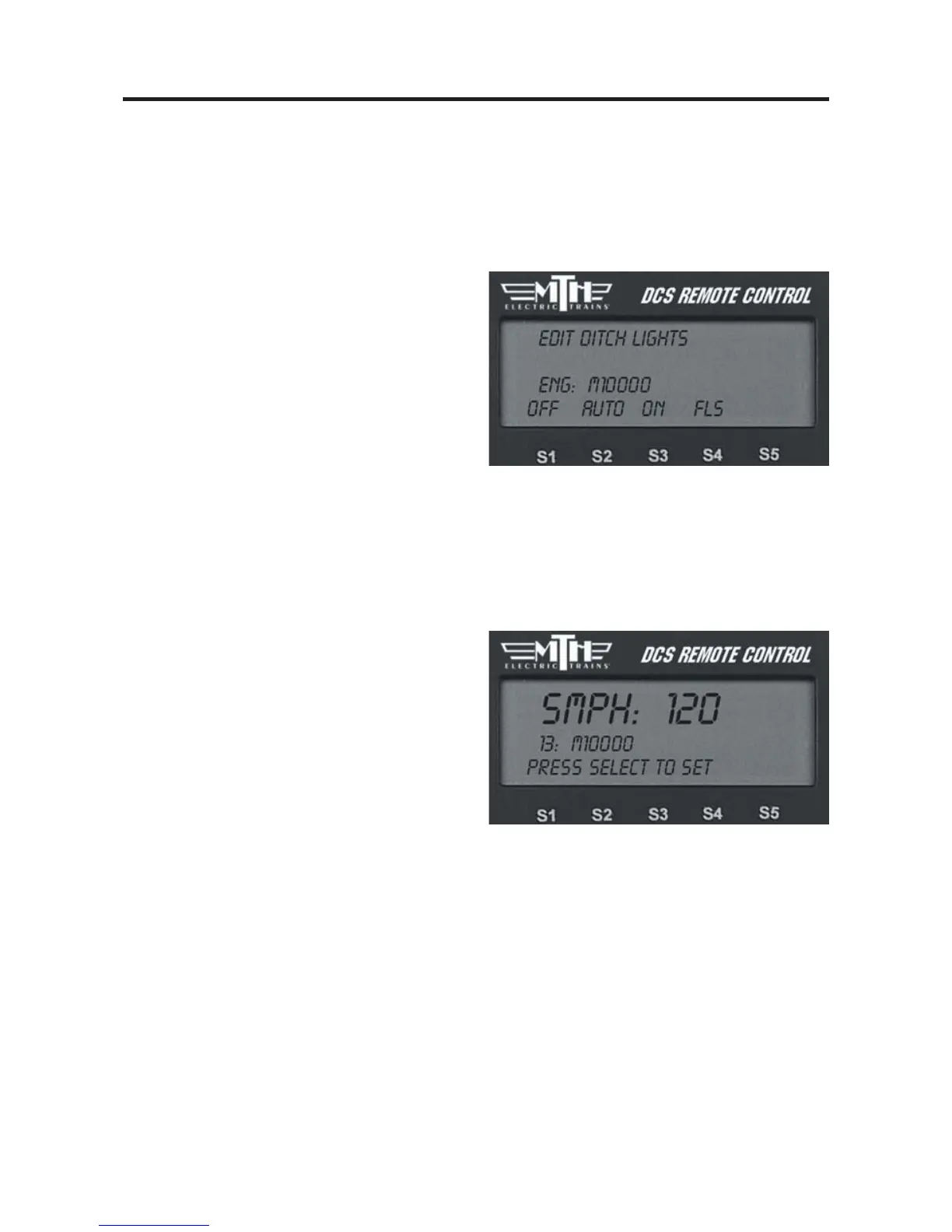
Ditch Lights
Set the engine’s ditch lights (for engines
that are equipped with them) to one of
four settings.
1. Press the softkey under the desired set-
ting: OFF, AUTO (turned on, flashing
only when you blow the horn), ON
(turned on all the time, no flashing), and
FLS (flashing all the time).
2. Once you see your selection highlight-
ed on the LCD screen, press firmly on the
thumbwheel to confirm the selection and
return to the Control menu list.
Max Speed
You can set a maximum engine speed to
keep your locomotive from derailing as it
races through a tight curve (or keep the
kids or club members from getting carried
away and derailing your engine!).
Roll the thumbwheel down to lower the
maximum speed (the default is 120 smph)
to the setting you want, then press firmly
on the thumbwheel to confirm the selec-
tion and return to the Control menu list.
52



 To Next Page