DCS Command System User’s Guide
Menu Operations - Systems
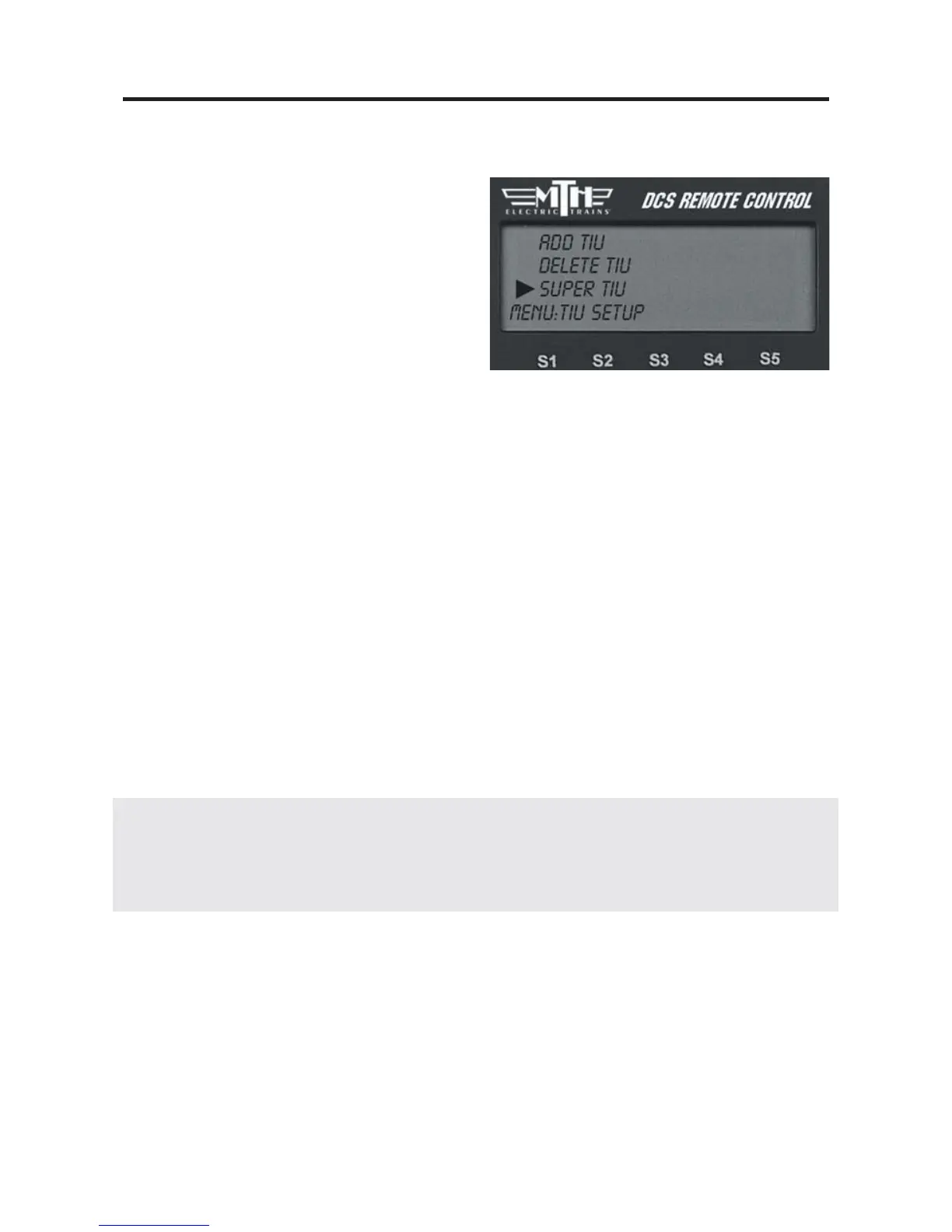
Super TIU
This function allows the system to control
more than one TIU in a contiguous loop.
It creates a temporary global address for all
TIUs currently being used. This global
address eliminates the need for the user to
control access to the different TIUs as
locomotives enter sections of the layout
controlled by those TIUs.
On these multiple TIU layouts, each TIU must have its own, unique TIU address (1 - 5).
Each TIU must then be accessed via the remote and changed to a Super TIU. Simply
select the Super TIU option under TIU setup for the TIU you are currently editing.
Once all the TIUs on the layout have been changed to a Super TIU, an engine can move
from section to section of the layout seemlessly.
Super TIU Setup Example (Using 3 TIUs)
1. Reset all remotes and TIUs.
2. Set TIU addresses to 1,2, and 3.
3. Set remote addresses (if using multiple remotes) 1,2, and 3.
4. Add TIU’s 2 & 3 to each remote.
5. If using separate remotes, set all 3 TIUs to super mode IN EACH OF THE THREE
REMOTES.
6. Add engines to each remote (use same TIU to avoid lash-up address conflicts).
7. Build lash-ups (again, on same TIU tracks), thereafter, run across multiple TIUs.
Note: Certain DCS functions that are controlled by a specific TIU (custom sounds, Proto-Cast,
Proto-Dispatch, etc.) will only remain active through a selected engine as long as that engine is in the sec-
tion of the layout controlled by that TIU. Once the engine leaves that section of the layout and “hands”
its control off to another TIU, the above effects will cease to play.
73



 To Next Page