DCS Command System User’s Guide
Menu Operations - Systems
Engine Setup: (cont’d)
Add Engine
Add TMCC Engine
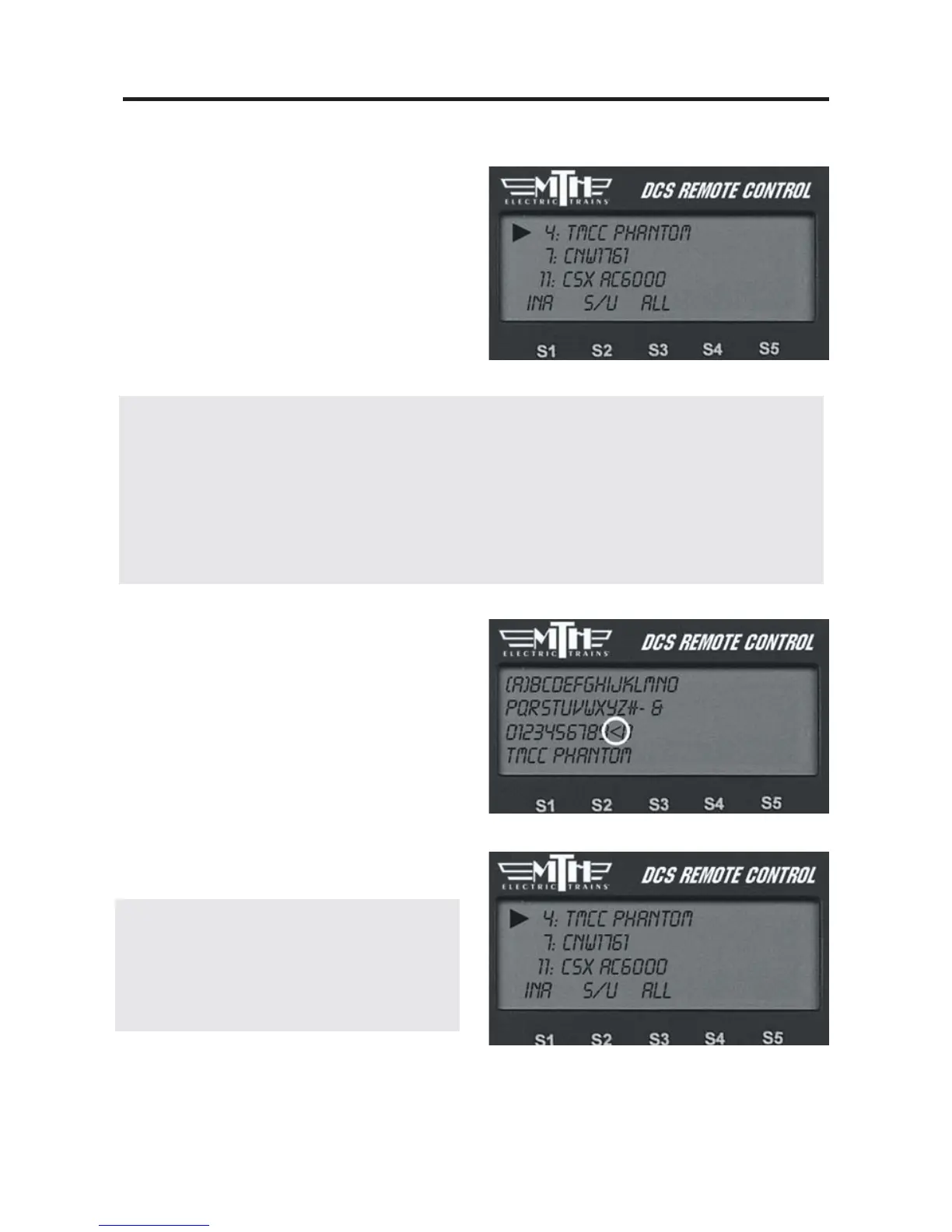
4. DCS automatically assigns the engine
to a place in the engine list and takes you
to the engine screen.
DCS Tip: The < on the alphanumeric
character set is the back character, which
allows you to correct any typos you made.
The [blank] inserts a space.
DCS Tip: The LCD provides a shortcut
to the main Engine Setup screen. From
the active engine screen, press the softkey
under S/U to jump directly to Engine
Setup.
Note: Engines are stored in the handheld’s
memory, so if you want to run the same engine
with multiple handhelds, you must add that
engine to each handheld that will be used to con-
trol it.
59
Note: The newly added TMCC engine will first appear in the Inactive Engine List. It must be
activated by selecting it before the engine will operate.
Note: Before you can add a TMCC engine, you must have the TMCC Command Base connected
to the TIU as described in the “Advanced Connection” section of the “Universal Locomotive and
Accessory Operation” chapter. See that chapter for instructions on operating TMCC engines via the
DCS remote.



 To Next Page