DCS Command System User’s Guide
Menu Operations - Advanced
Route Setup
Create Route:
(cont’d)
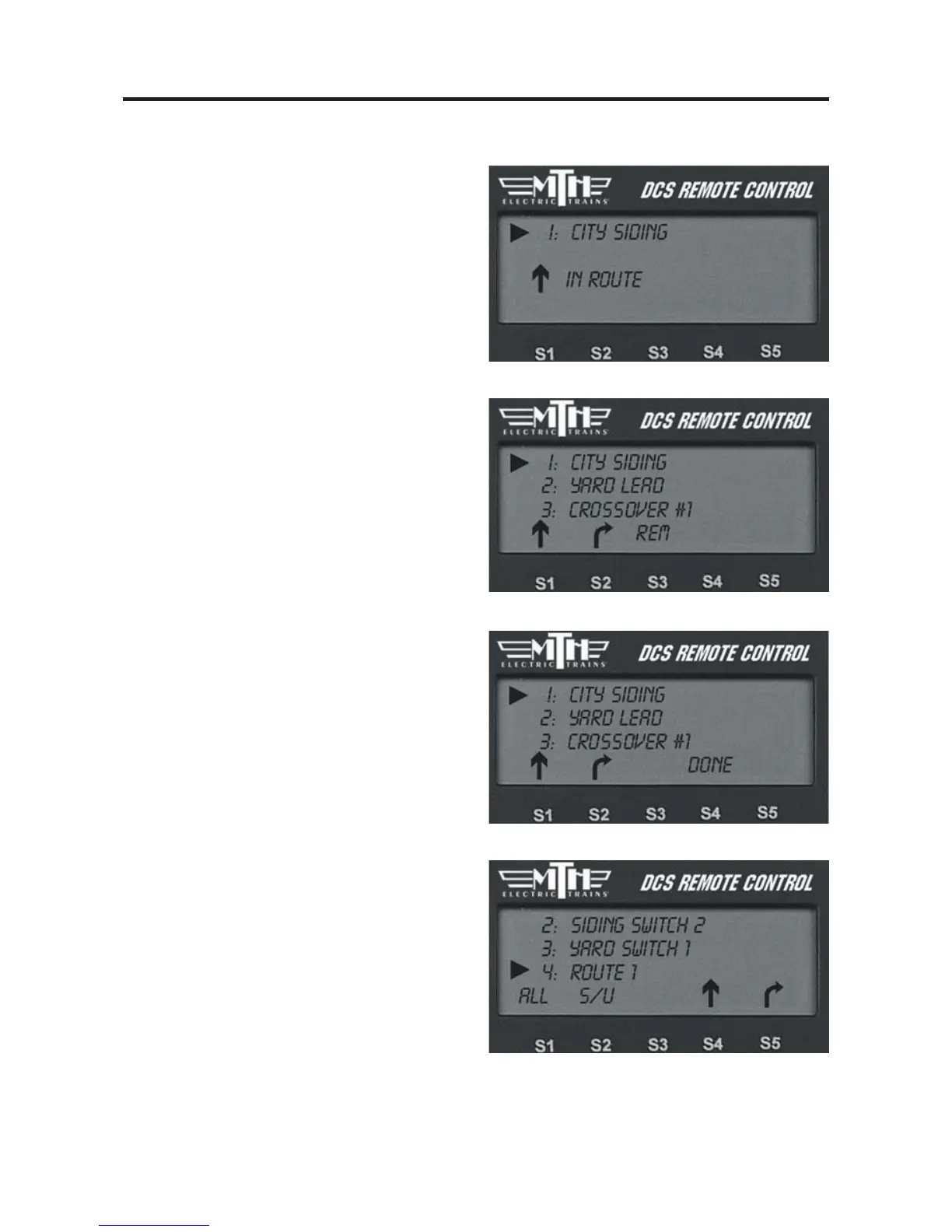
3. Add the next switch.
4. To change the direction of a switch
you added, you must remove the switch
and re-add it and press the correct direc-
tional arrow(S1 or S2) you desire.
5. To remove a switch you added by mis-
take, press the softkey (S3) under REM.
6. When you have finished adding a
route, press the softkey (S4) under
DONE.
The route will appear in the switch list
accessed by pressing the SW button, just
as though it were a normal switch.
Activate it by scrolling to it and pressing
the S4 Softkey marked ACT.
Delete Route
1. The LCD shows the switch list. Scroll
to the route you want to delete and press
the thumbwheel.
2. When prompted to confirm the dele-
tion, press the thumbwheel a second time.



 To Next Page