3 Before using VJ-1624 OPERATION MANUAL
3-54
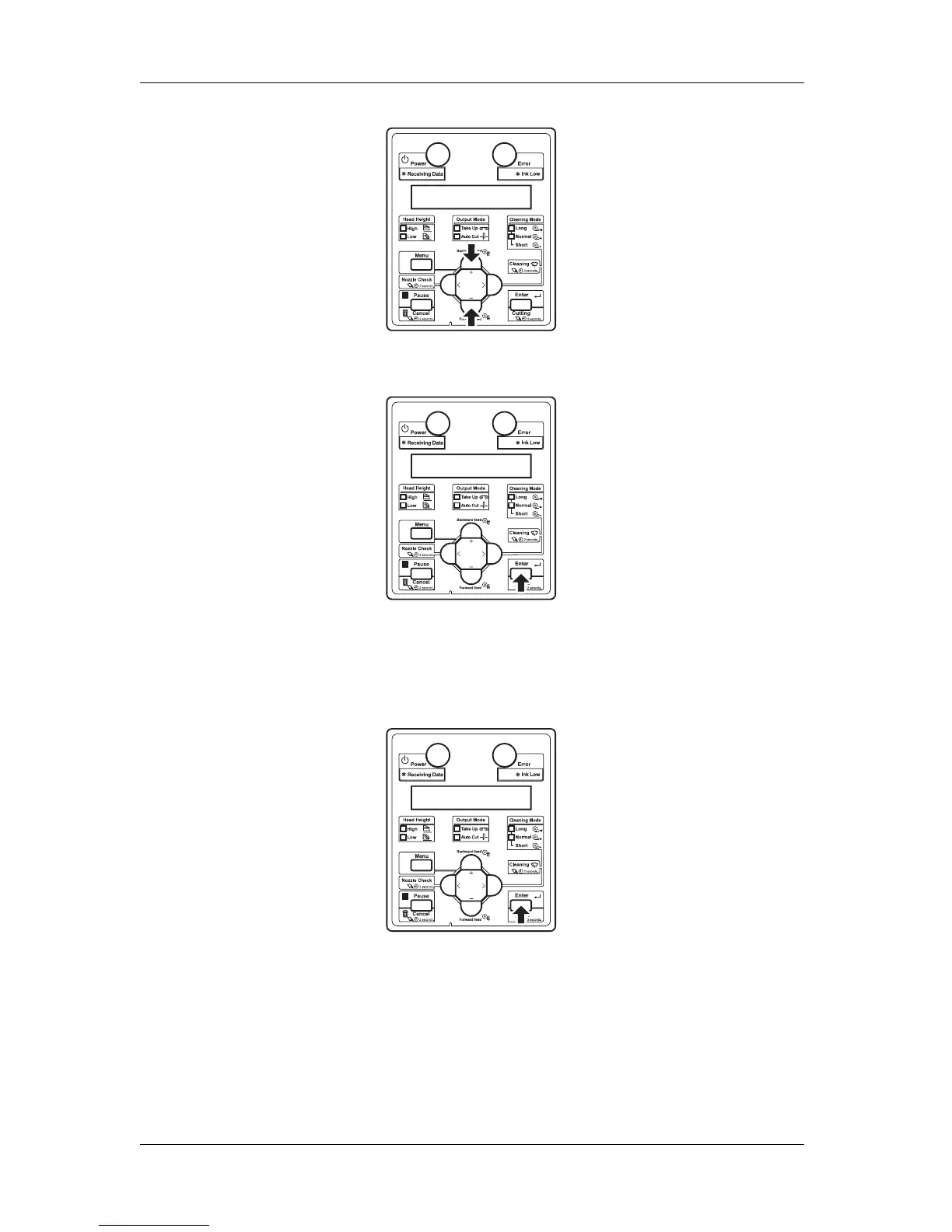
c. Press the [Enter] key on the operation panel.
• "User: TypeXX" (XX is a number between 1 and 30) is displayed on the operation panel.
d. Press the [+] key or [–] key to select the type of media to load.
e. Press the [Enter] key on the operation panel.
• "**>1: Print Mode" is displayed on the operation panel.
f. Press the [+] key or [–] key to select "**>2: Adjust Print>".














 To Next Page