3 Before using VJ-1624 OPERATION MANUAL
3-58
• Perform micro adjustment when the misalignment is small.
• When all patterns A to F require adjustment: 3.6.2.3.1 Adj. PatternALL
• When any pattern of A to F requires adjustment: 3.6.2.3.2 Each Adjust Patterns
3.6.2.2 Custom Rough Adjustment Pattern
Check the confirmation pattern, and when the misalignment is big, perform rough adjustment.
Print a rough adjustment pattern and register the setting value.
1. Display the Custom Adjust Print menu on the operation panel in the same way as in step 2 of "3.6.2.1
Custom Confirmation Pattern".
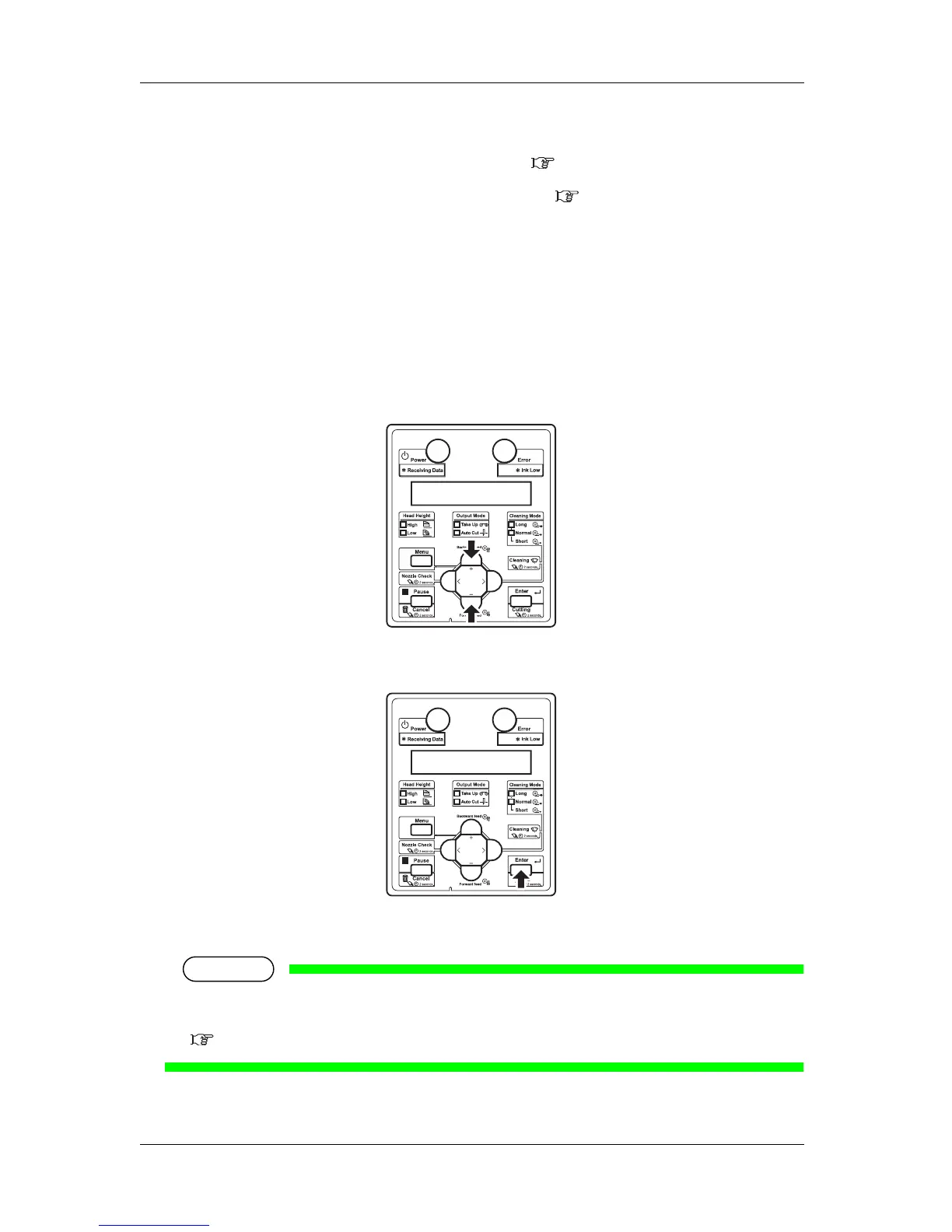
2. Press the [+] key or [-] key to select "Adj.2: Rough Pattern".
3. Press the [Enter] key on the operation panel.
• "Warming Up", and then "Warming Up Skip -> E" are displayed.
NOTE
• To start printing during warming up, press the [Enter] key while "Warming Up Skip -> E" is
displayed.
4.4.7 Start Printing during Warm up














 To Next Page