VJ-1624 OPERATION MANUAL 3 Before using
3-63
NOTE
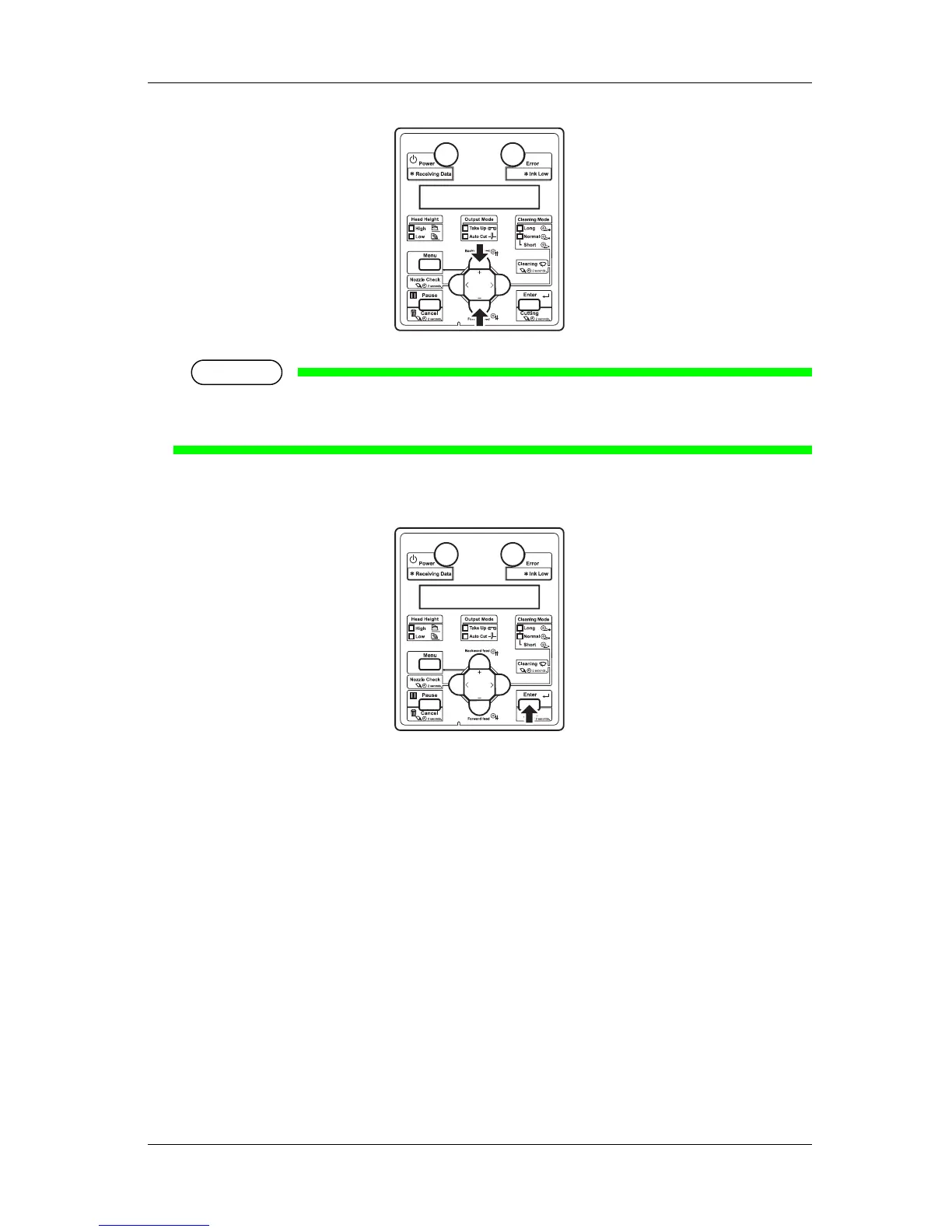
• When you press the [Cancel] key, the input operation is not executed and "Adj.3: Fine Ptn.
ALL" is displayed on the operation panel.
7. Press the [Enter] key on the operation panel.
• The value is set in the "Pattern A: *" (* indicates a number from 1 to 7).
8. In the same way, enter the numbers for "Patterns B" to "Pattern F".
• Press the [Enter] key to set the values.
• Once all set values have been entered, press the [Enter] key to register the set values of "Adjust
Pattern A" to "Adjust Pattern F" to the printer.
• The operation panel display returns to "Adj.3: Fine Ptn. ALL".
3.6.2.3.2 Each Adjust Patterns
Select and print one of the adjust patterns A to F and register the set value.
Follow the procedures below to adjust "Pattern A" only.
1. Display the Custom Adjust Print menu on the operation panel in the same way as in step 2 of "3.6.2.1
Custom Confirmation Pattern".
2. Press the [+] key or [-] key to select "Adj.4: Fine PatternA".














 To Next Page