3 Before using VJ-1624 OPERATION MANUAL
3-64
3. Press the [Enter] key on the operation panel.
• "Warming Up", and then "Warming Up Skip -> E" are displayed.
NOTE
• To start printing during warming up, press the [Enter] key while "Warming Up Skip -> E" is
displayed.
4.4.7 Start Printing during Warm up
• An adjust print pattern for print quality adjustment is printed after warming up.
• Regarding adjust print patterns, the same patterns are printed repeatedly on both edges and the
center of the paper.
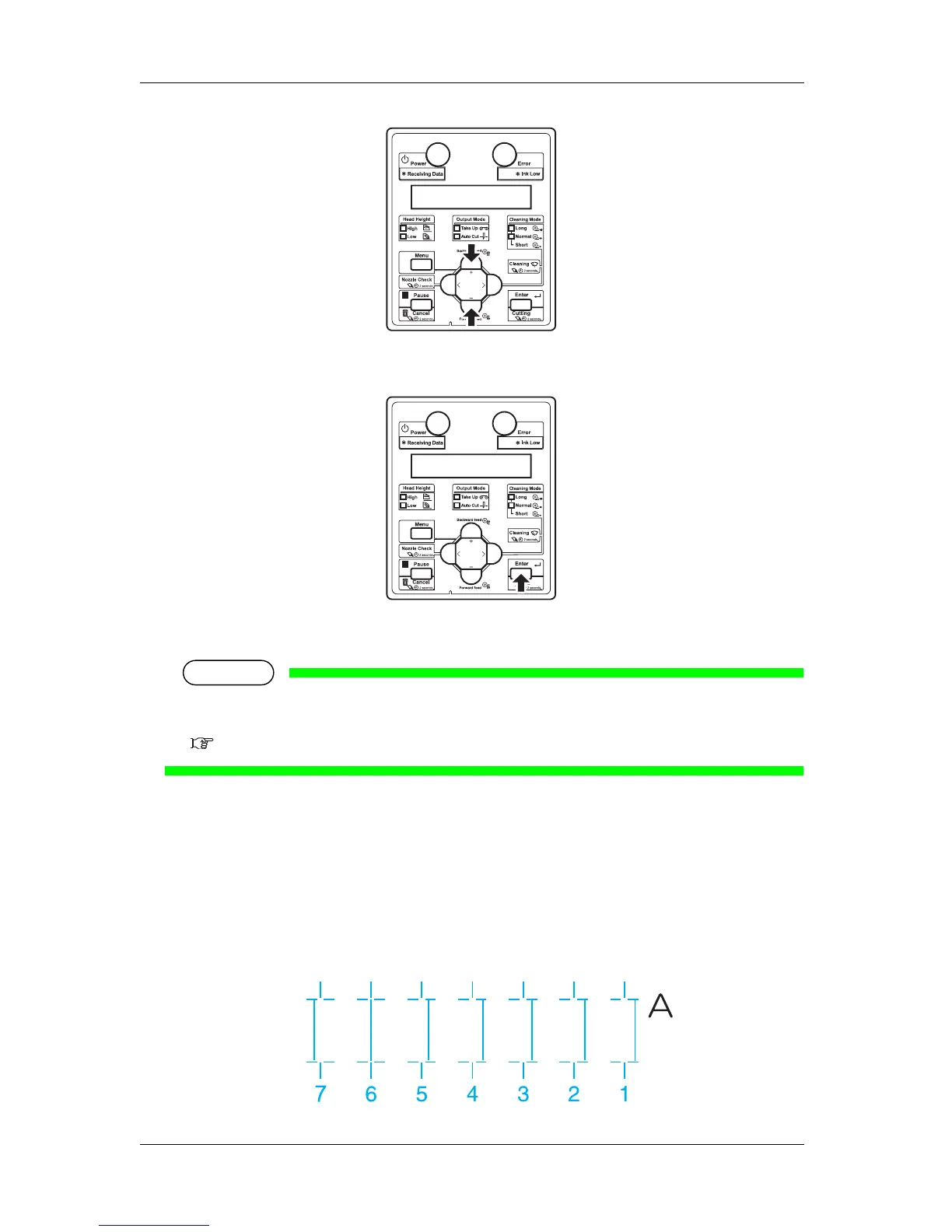
4. Check the both ends and the center of the print result that printed with Adjust pattern, and select the
number from 1 to 7 that is not out of alignment.
• "6" is selected in the next printing sample.














 To Next Page