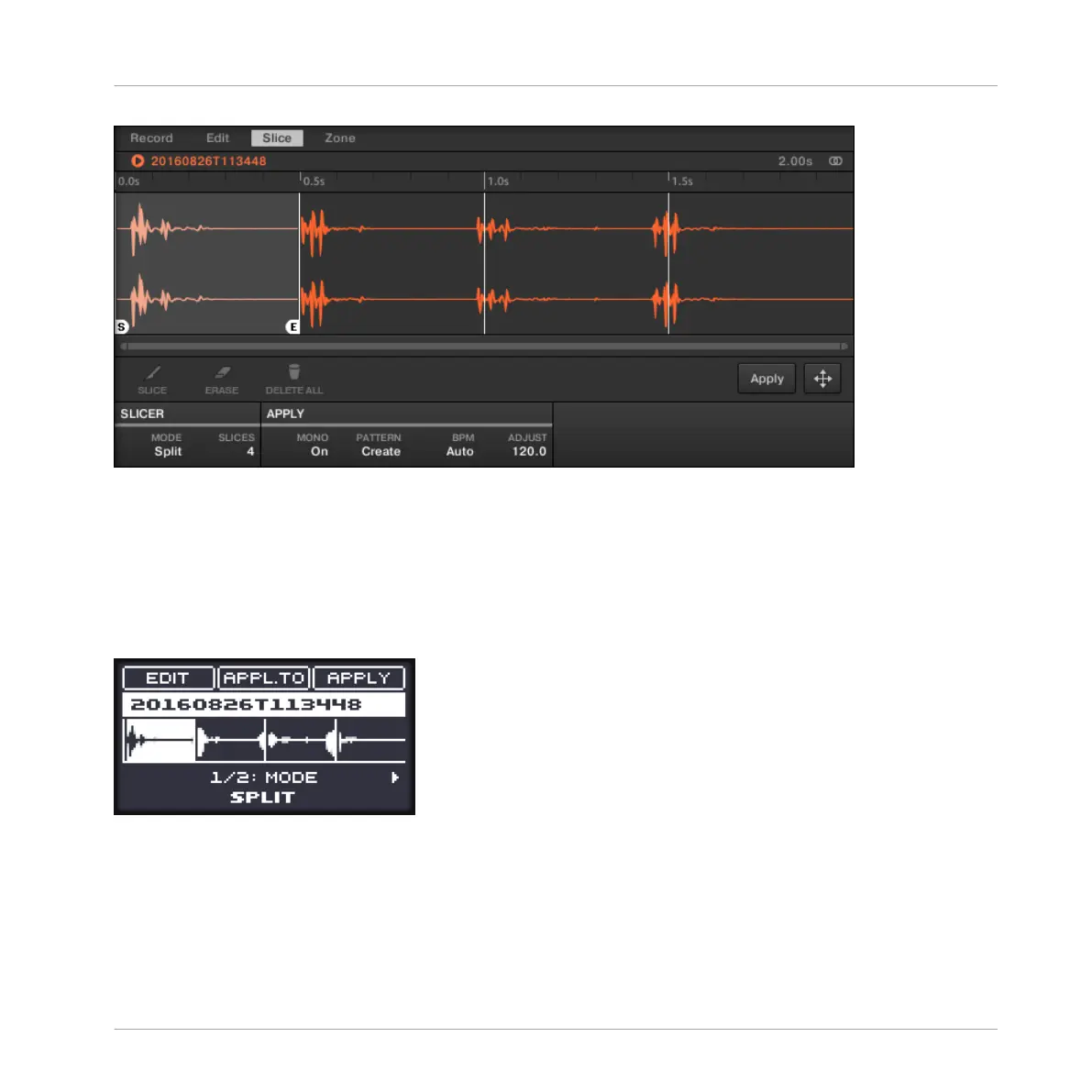
The Slice page in the software.
Opening the SLICE Page on Your Controller
►
In Sampling mode, press NAV + pad 15 to access the SLICE page. You can also hold
NAV and turn the Control encoder.
The SLICE page looks as follows:
The SLICE page on the controller.
1. To select the parameters described in the following sections, press the Left/Right Arrow
buttons.
2. To adjust the selected parameter, turn the Control encoder (for continuous parameters,
press and turn the Control encoder to adjust the value in finer increments).
Sampling and Sample Mapping
Slicing a Sample
MASCHINE MIKRO - Manual - 790



 To Next Page