Use Smart Inboxes in a repro environment
Introduction
A repro environment is a working environment in which a repro operator handles all the
jobs. In this environment the repro operator can use the 'Smart Inbox' to organise his
daily work.
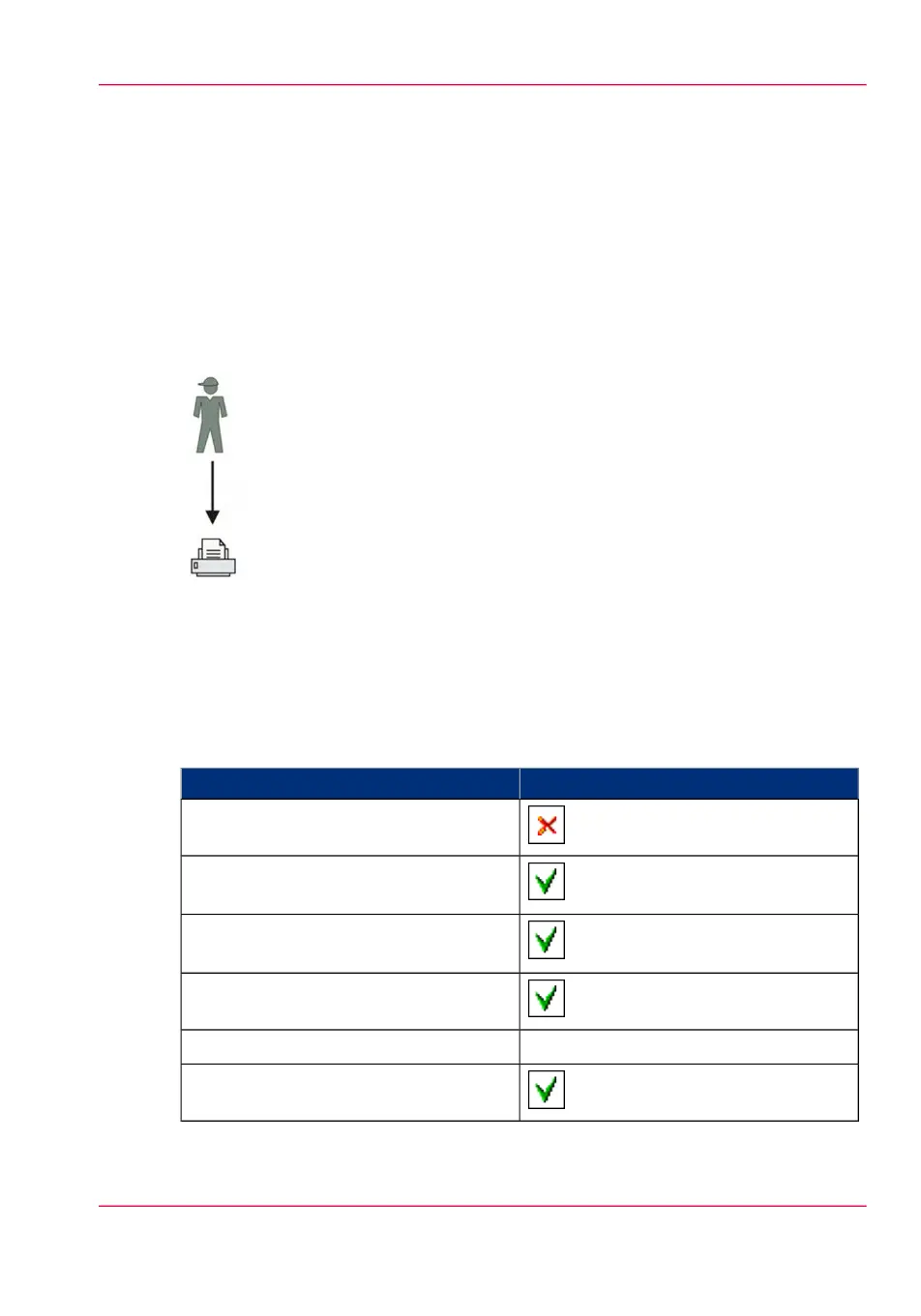
Illustration
How to set up the repro workflow
1.
Open the 'Preferences' - 'System properties' tab.
2.
Select 'Edit' in the 'Job management' bar.
3.
Enter the following values (example):
#
ValueSetting
'Enable Publisher Express'
'Restrict remote actions on jobs to the
Operator'
'Restrict remote Smart Inbox view to the
Key operator'
'Display a view on all Smart Inbox jobs'
'No, as specified in the job ticket''Override destination of print jobs'
'Keep completed jobs in the Smart Inbox'
Chapter 3 - Define your Workflow with Océ Express WebTools 113
Use Smart Inboxes in a repro environment



 To Next Page