Do a default scan job
Introduction
When you want to scan an original and you do not make any settings the default presets
are used. You only use the Smart Access to submit your job.
You can see the presets that are used in the job settings section of your job.
Illustration
Do a default scan job
1.
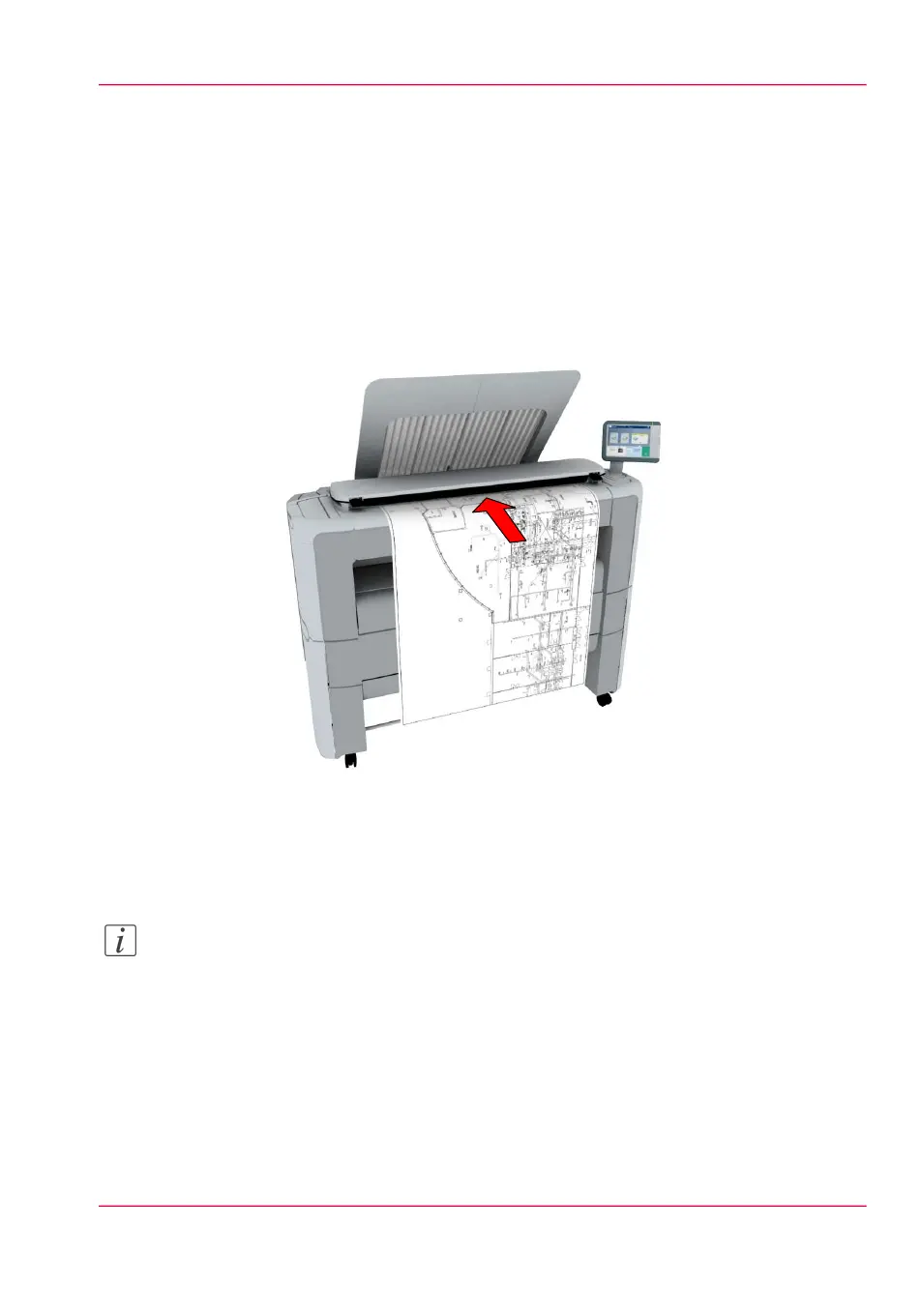
Feed the original face up and centred on the original feeding table.
Note:
You do not need to centre the original precisely. The exact position of the original is au-
tomatically detected by the scanner.
Chapter 2 - Get to Know the Printing System 67
Do a default scan job



 To Next Page