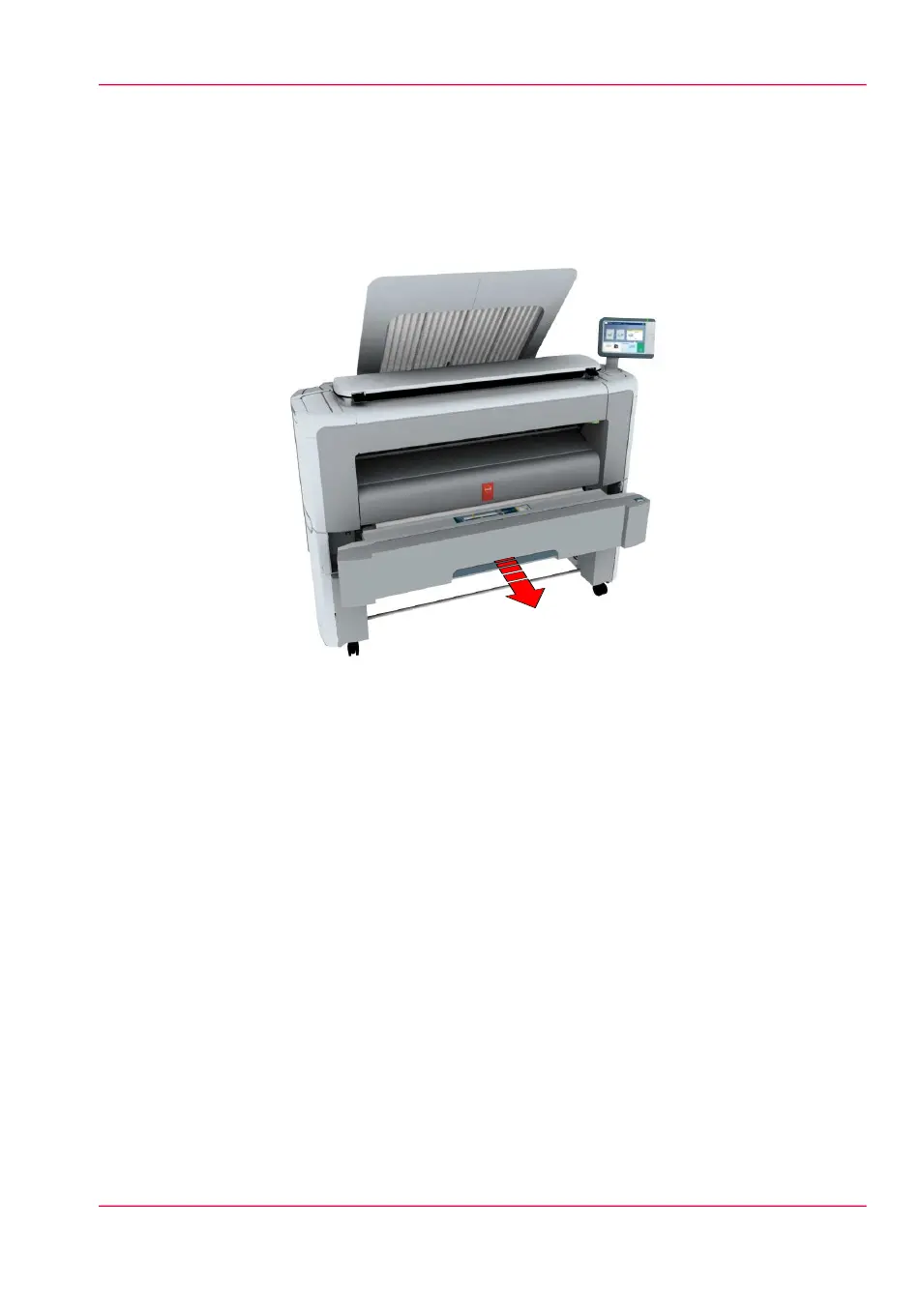
Clear a media jam in the roll feed section
When a media jam in the roll feed section occurs, take the following steps:
1.
Firmly pull the media drawer to open it.
2.
Remove any jammed printing material from the paper path and, if necessary, pull back
the media and rewind it.
3.
Reload the media roll if necessary, and press the clean cut button to trim a strip of the
media roll.
4.
Close the media drawer.
Chapter 8 - Support 355
Clear a media jam in the roll feed section



 To Next Page