'File type'
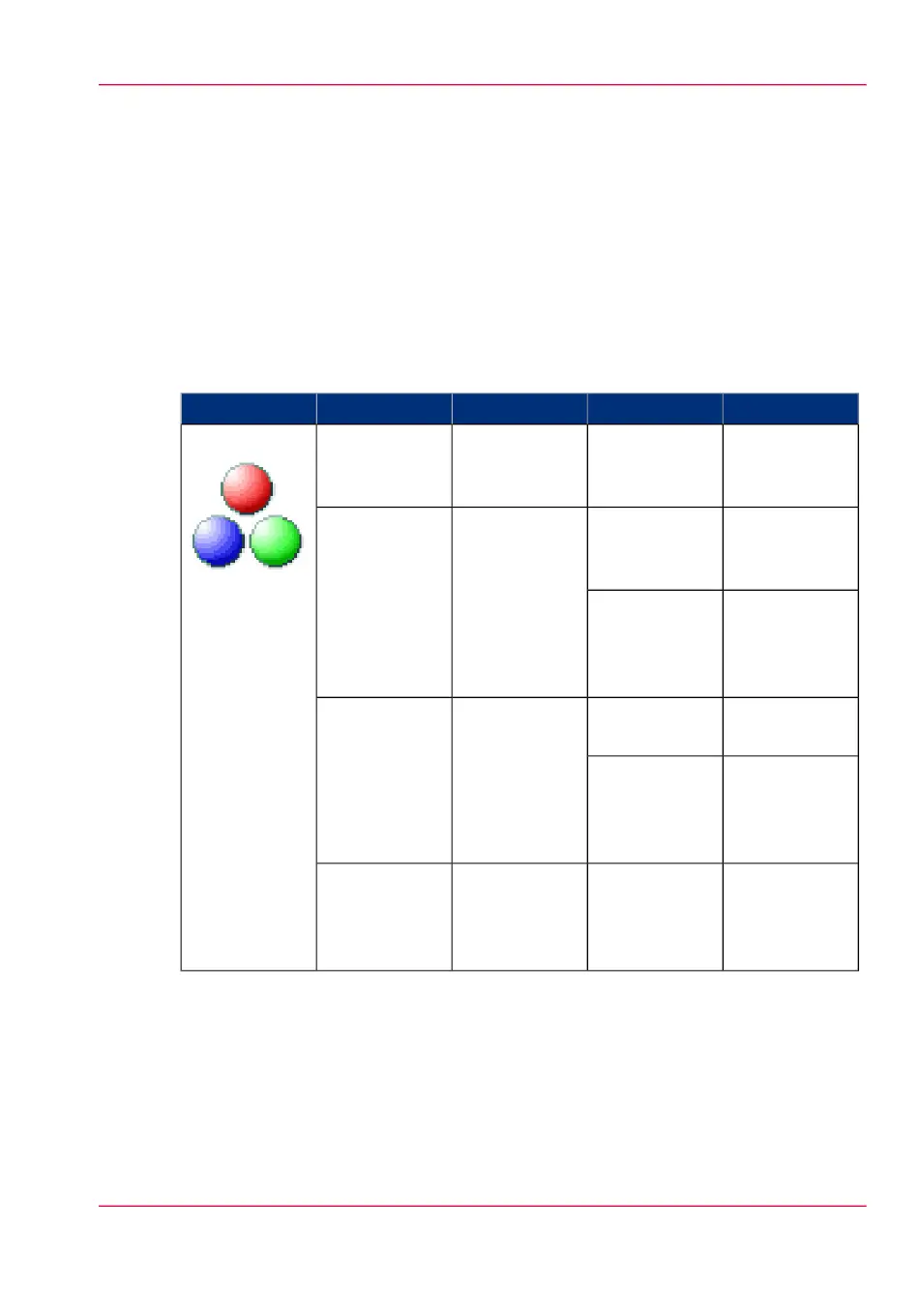
Depending on the colour mode and file type you select, the values for the compression
mode and organisation change. For some file types and some situations, the compression
and organisation settings cannot be set. The list below helps you to define the correct file
type and colour mode, and shows you which compression and organisation settings are
possible.
Colour mode: Colour
#
'JPEG quality''Compression''Organisation''File type''Colour' mode
Not applicable'LZW'
'Packbits'
'None'
'Raw'
'Striped'
'Tiled'
'TIFF'
'TIFF multi-
page'
'Colour'
Not applicable'Flate'
'LZW'
'None'
Not applicable'PDF'
'PDF multi-
page'
'Maximum'
'High'
'Medium'
'Low'
'JPEG'
Not applicable'Flate'
'None'
Not applicable'PDF/A'
'PDF/A multi-
page'
'Maximum'
'High'
'Medium'
'Low'
'JPEG'
'Maximum'
'High'
'Medium'
'Low'
Not applicableNot applicable'JPEG'
Chapter 4 - Use the Printing System 269
'File type'



 To Next Page