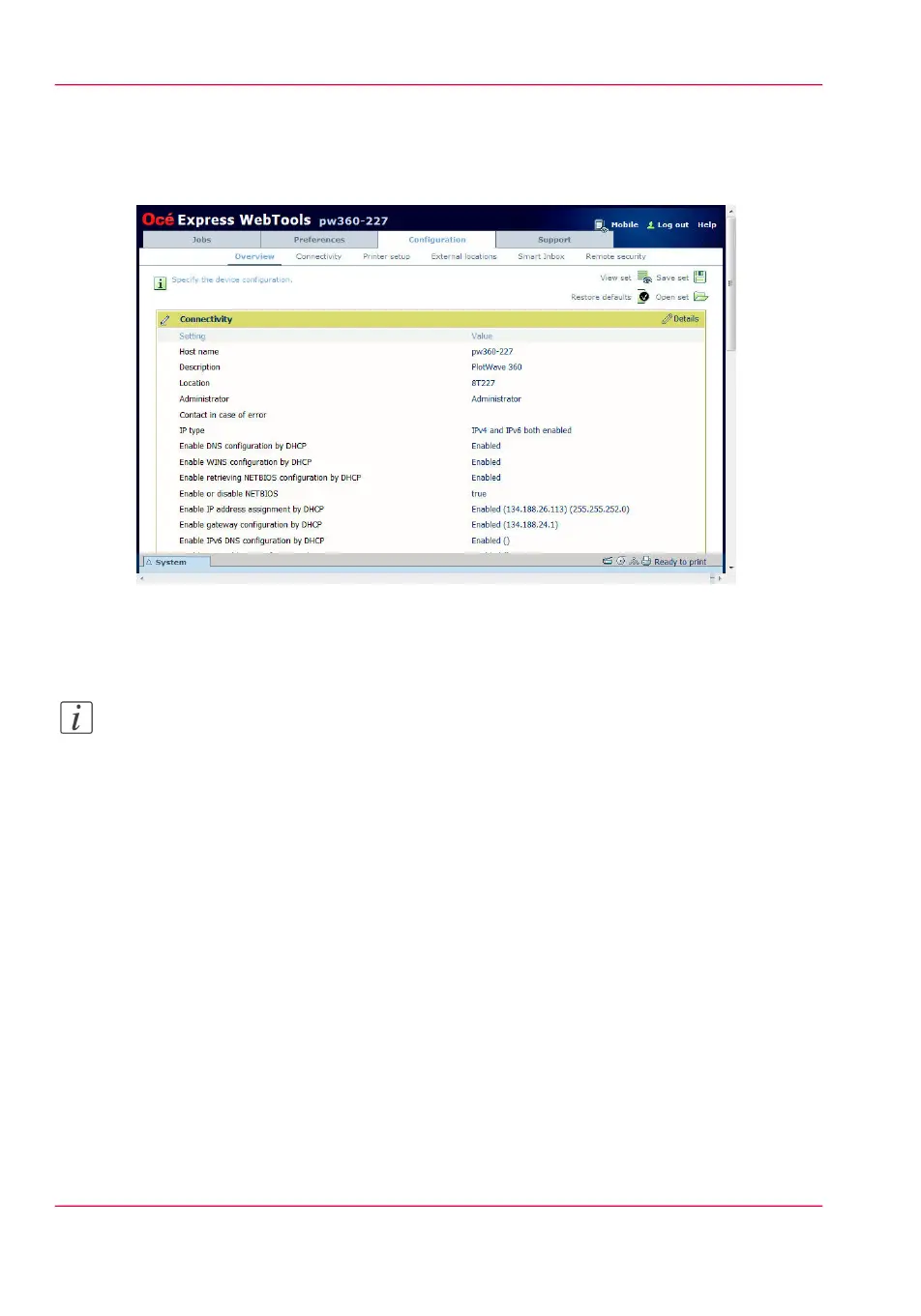
The 'Configuration' tab
Illustration
The 'Configuration' tab
Note:
Before you can edit a setting or a settings group, you must log in as a System administrator
or a Power user. For more information, see ‘User roles and authorisations’ on page 124.
The 'Configuration' tab will help you install the system in your infrastructure, according
to your standards.
Tasks:
•
'Overview'
Summary of the settings organised in different groups:
•
'Connectivity': make settings for your printer's network, security, and connections.
•
'Printer setup'; make settings for the printer's languages, media, and finishing config-
uration.
•
'External locations': make settings to create, delete, and view external locations.
•
' Smart Inbox ': make settings for a Smart Inbox for scan jobs. It is a permanent location
on the user panel you can send scan jobs to.
•
'Remote security': make settings to create certificates and secure your network config-
uration.
Chapter 3 - Define your Workflow with Océ Express WebTools90
The 'Configuration' tab



 To Next Page