9.
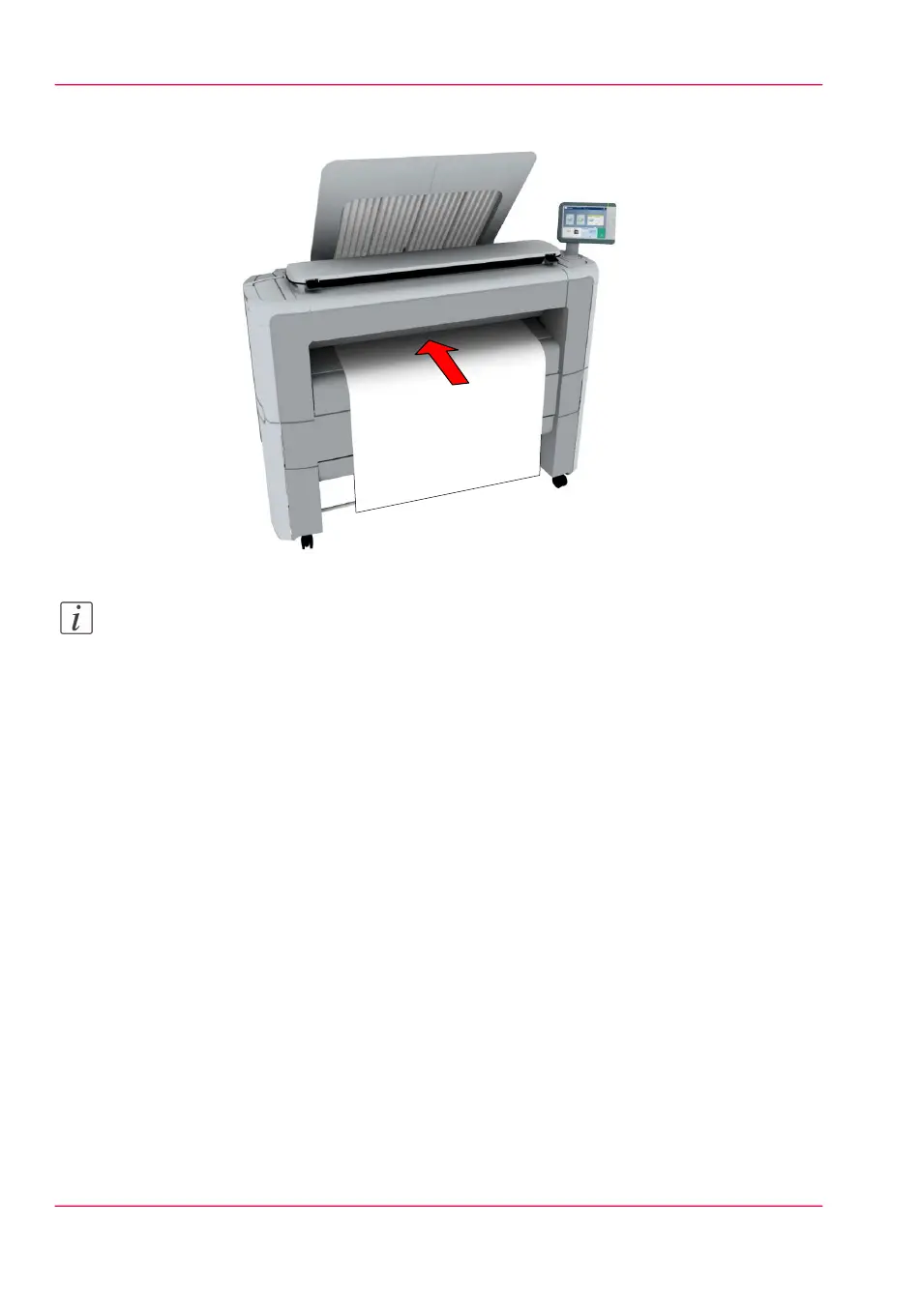
Place the cut sheet media on the media bypass of the printer.
Note:
Use the media size indication on the media bypass to align the cut sheet media correctly.
When you use a B1 media size (707 mm) you must align the cut sheet media with the
A1 indent.
Result
The printer copies on a cut sheet.
Chapter 4 - Use the Printing System246
Make a copy on a cut sheet



 To Next Page