2.
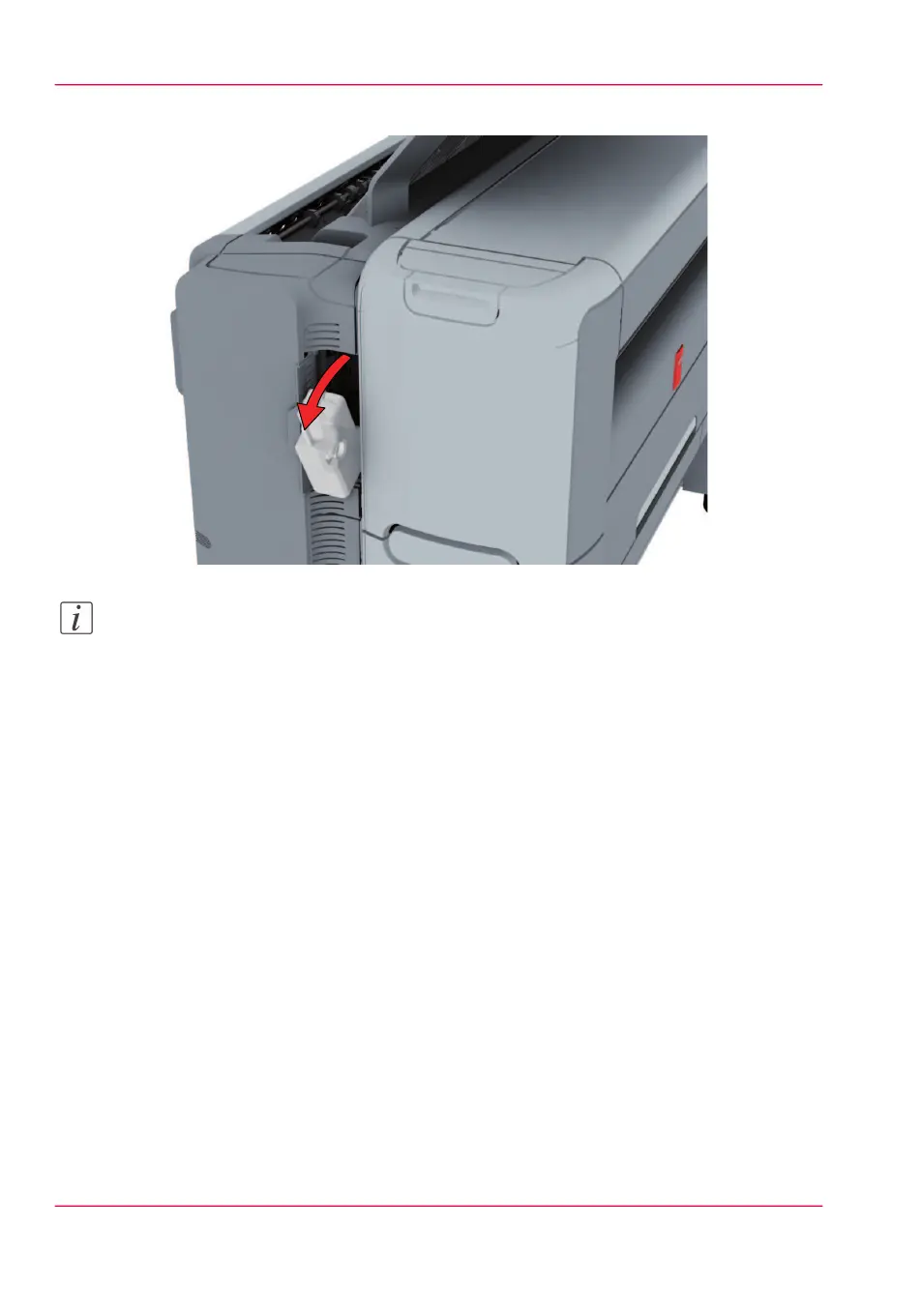
Remove the full residual toner container.
Note:
The residual toner container can be disposed normally.
3.
Place the empty residual toner container.
4.
Close the residual toner compartment.
Chapter 5 - Maintain the Printing System314
Replace the residual toner container



 To Next Page