3.
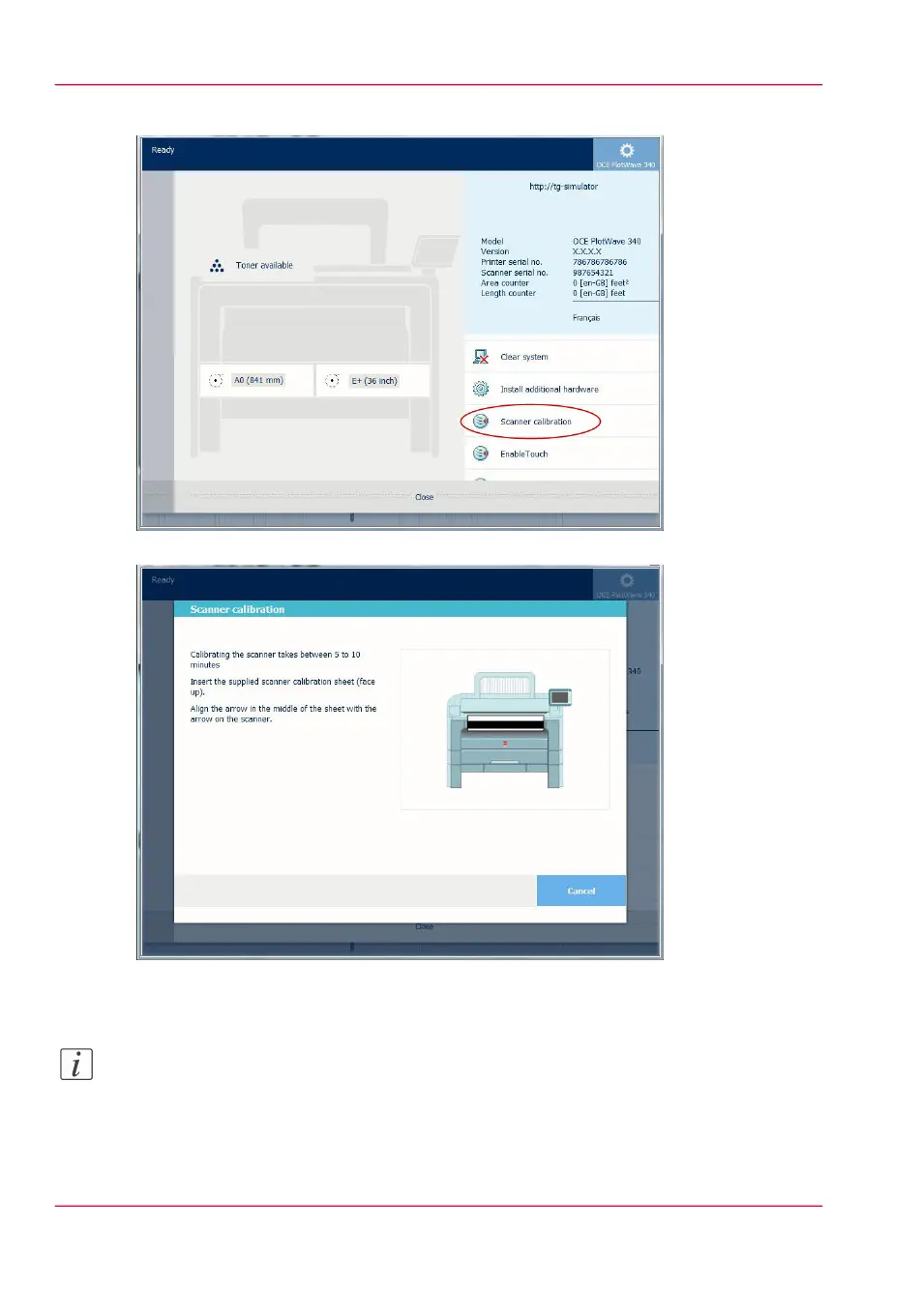
Tap the 'Scanner calibration' tile. A wizard opens up.
4.
Follow the instructions in the wizard.
5.
Insert the scanner calibration sheet when instructed in the wizard.
6.
Tap the green button to start the scanner calibration.
Note:
'Calibrating the scanner takes between 5 to 10 minutes.'
Chapter 5 - Maintain the Printing System320
Calibrate the scanner



 To Next Page