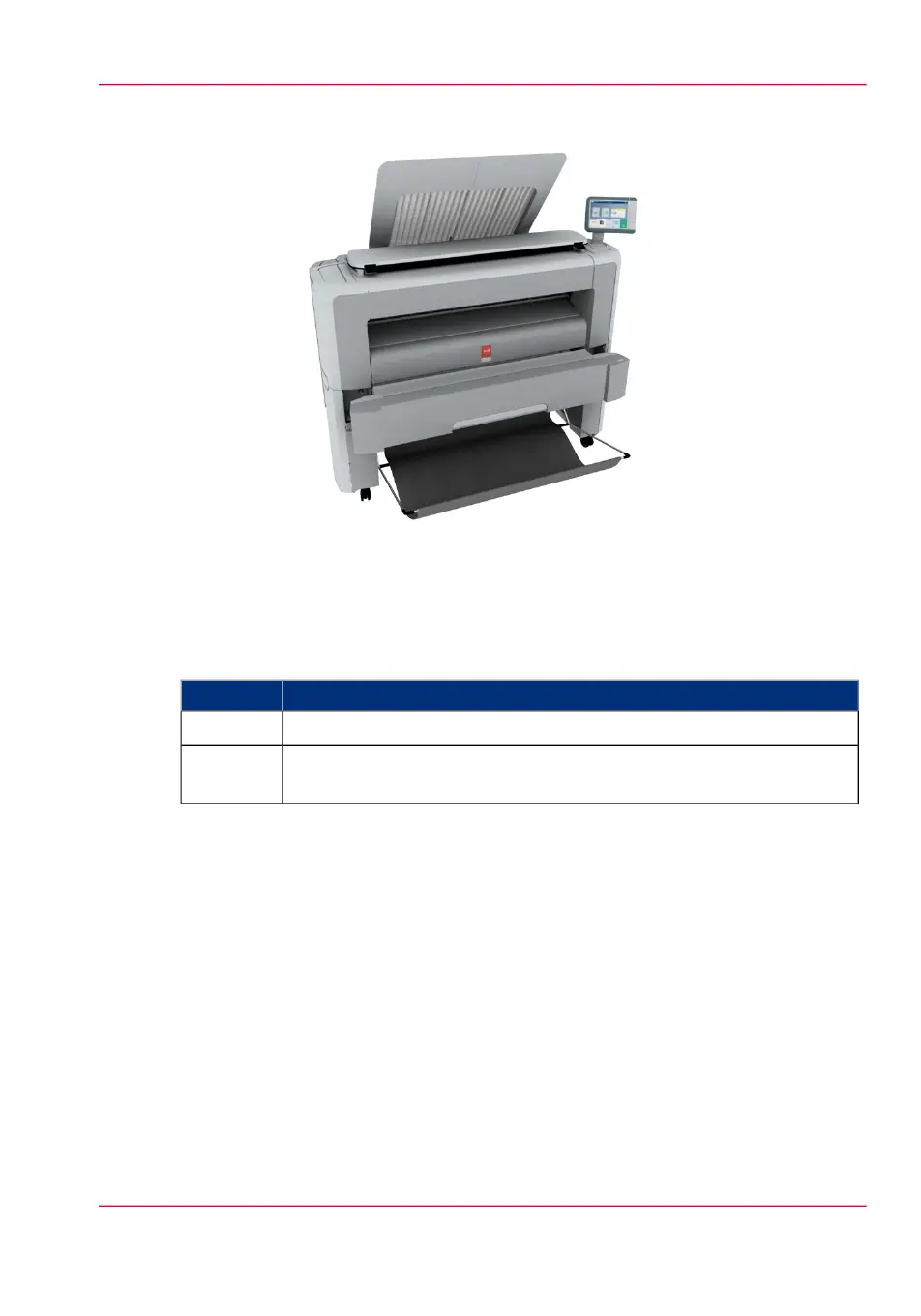
[21] Position 2 - Access the media drawer
Position of the front original tray
#
Description / FunctionPosition
In this position the front original tray holds and receives originals.1
In this position you can access the media drawer. You can lower the
front original tray easily when you push it down.
2
Chapter 2 - Get to Know the Printing System 39
The front original tray (optional)



 To Next Page