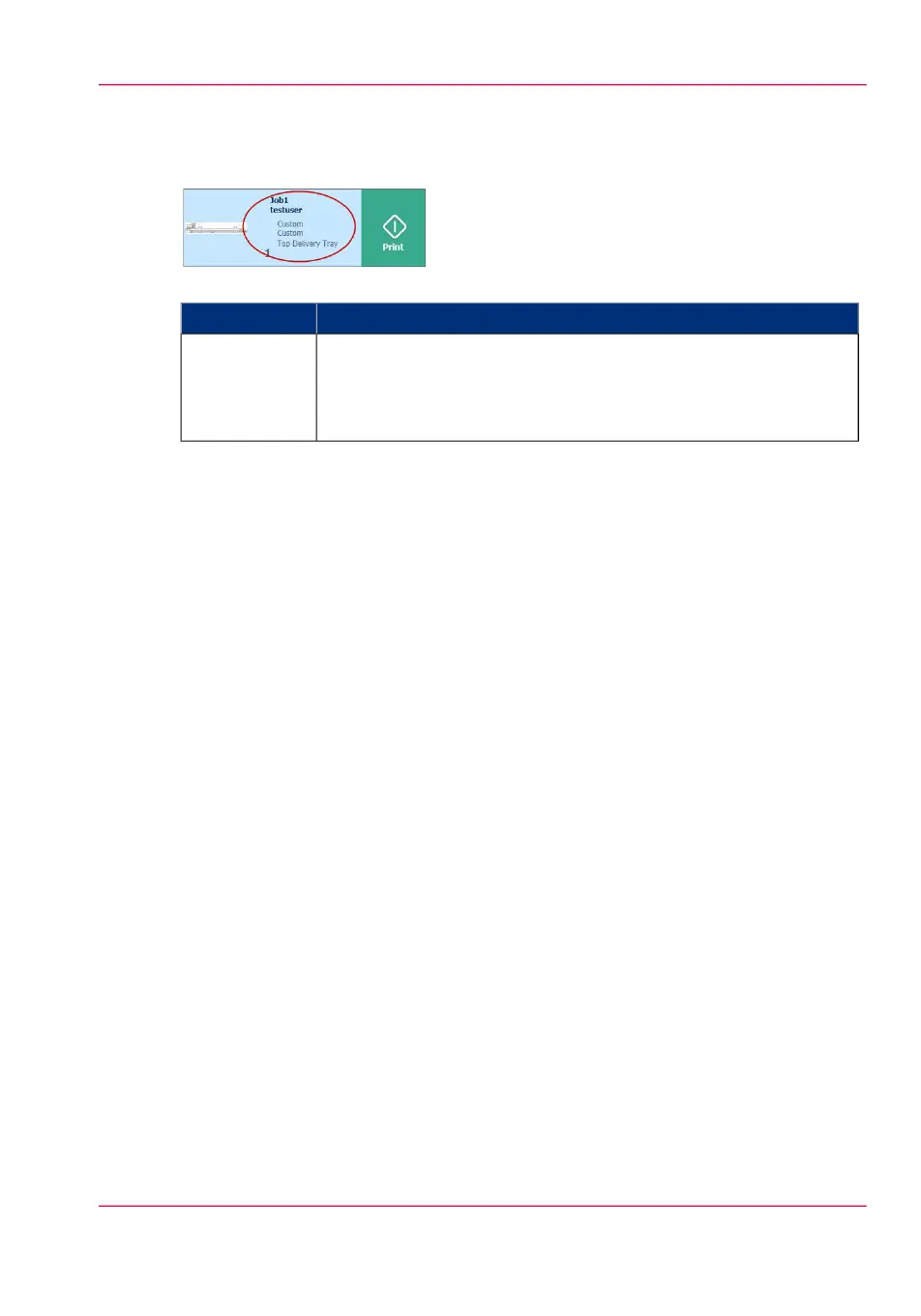
3. job settings
#
FunctionComponent
When you open a location folder, a window opens with files listed
as jobs. The jobs are listed with the job settings.
Tap the job settings to open the window with presets and advanced
settings. You can make changes here, before you print the job.
job settings
Chapter 2 - Get to Know the Printing System 57
The locations



 To Next Page