Use Océ Scan Manager for your scan-to-file jobs 113
The view ribbon
[15] The View ribbon
[15] The View ribbon
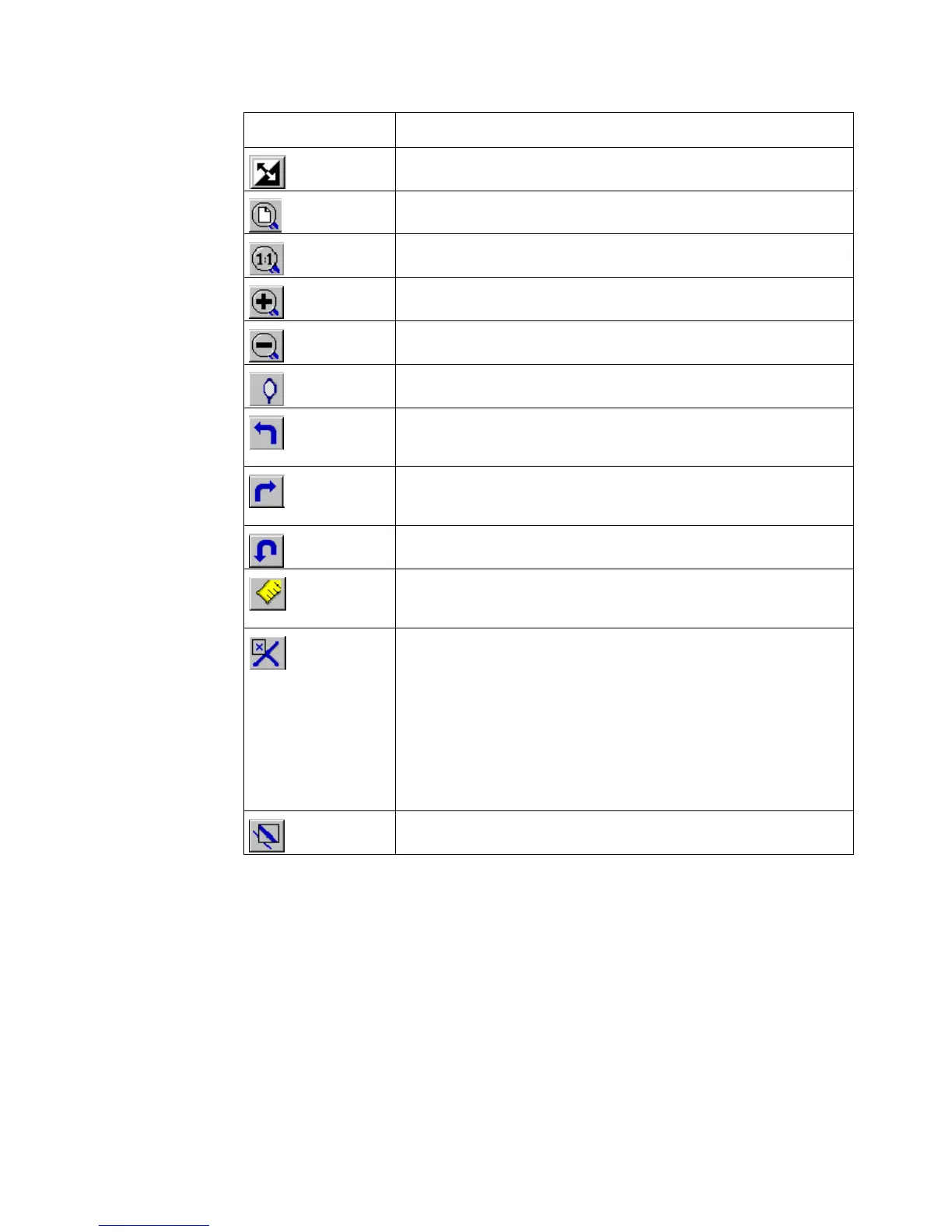
Button Function
Reverse the black and white parts of the image.
Scale the image to fill the window.
Show the image at a 1:1 scale factor.
Zoom into the page.
Zoom out of the page.
Mirror the image.
Rotate the image 90 degrees counter-clockwise (to the
left).
Rotate the image 90 degrees counter-clockwise (to the
right).
Rotate the image 180 degrees.
Enables you to measure the lines and the areas on the im-
age.
how the 'Reference' window. The 'Reference' window is
a small, normally floating window. The 'Reference' win-
dow shows the complete current page in miniature. The
crossed box in the 'Reference' window indicates the part
of the page showed in the document window. Move or
change the size of the crossed box to change the area of
the page showed.
Shows the 'Detail' window.



 To Next Page