114 Océ TCS400 User manual
The view area
The view area shows the scanned file.
When the memory is almost full, the viewer cannot show the scanned file.
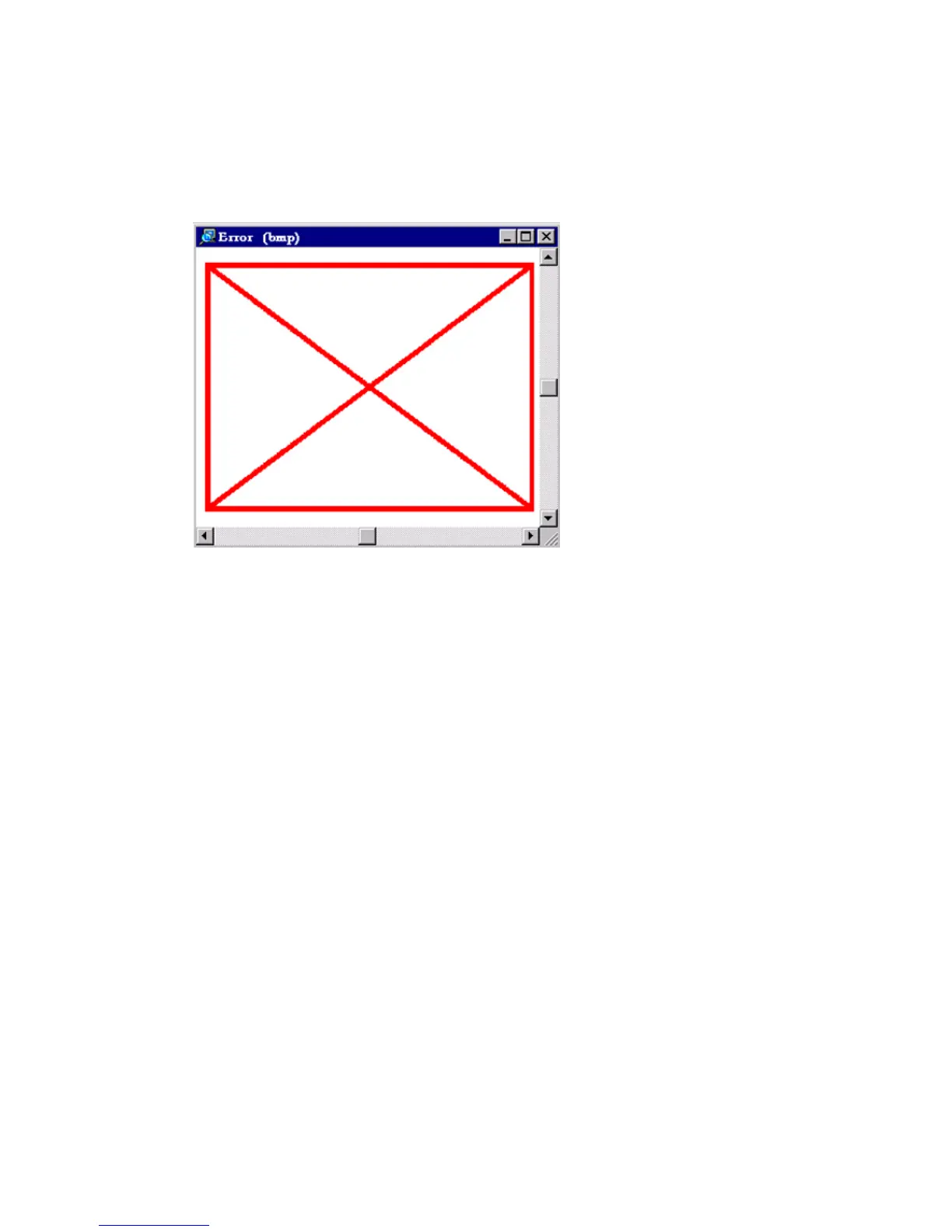
Then, the viewer shows a red border with a red cross.
[38] An error v iew in O cé View Station LT
[38] An error view in Océ View Station LT
Use your right mouse button to click on the file shown in the view area. You
can select the following menu items from the pop-up menu.
■ 'Zoom ±'
■ 'Pan' (Hand tool)
■ 'Fit'
■ 'Magnify'
■ 'Reduce'
■ 'Invert'
■ 'Rotate 90 CCW'
■ 'Rotate 90 CW'
■ 'Rotate 180'.



 To Next Page