130 Océ TCS400 User manual
How to analyze the quality check print
The 'Quality check' print option is a quick method to help you find the cause
of an unsatisfactory output quality. The 'Quality check' print option is
especially useful to check the quality of printed lines.
Use the 'Quality check' print option on the printer operator panel to trace the
following problems:
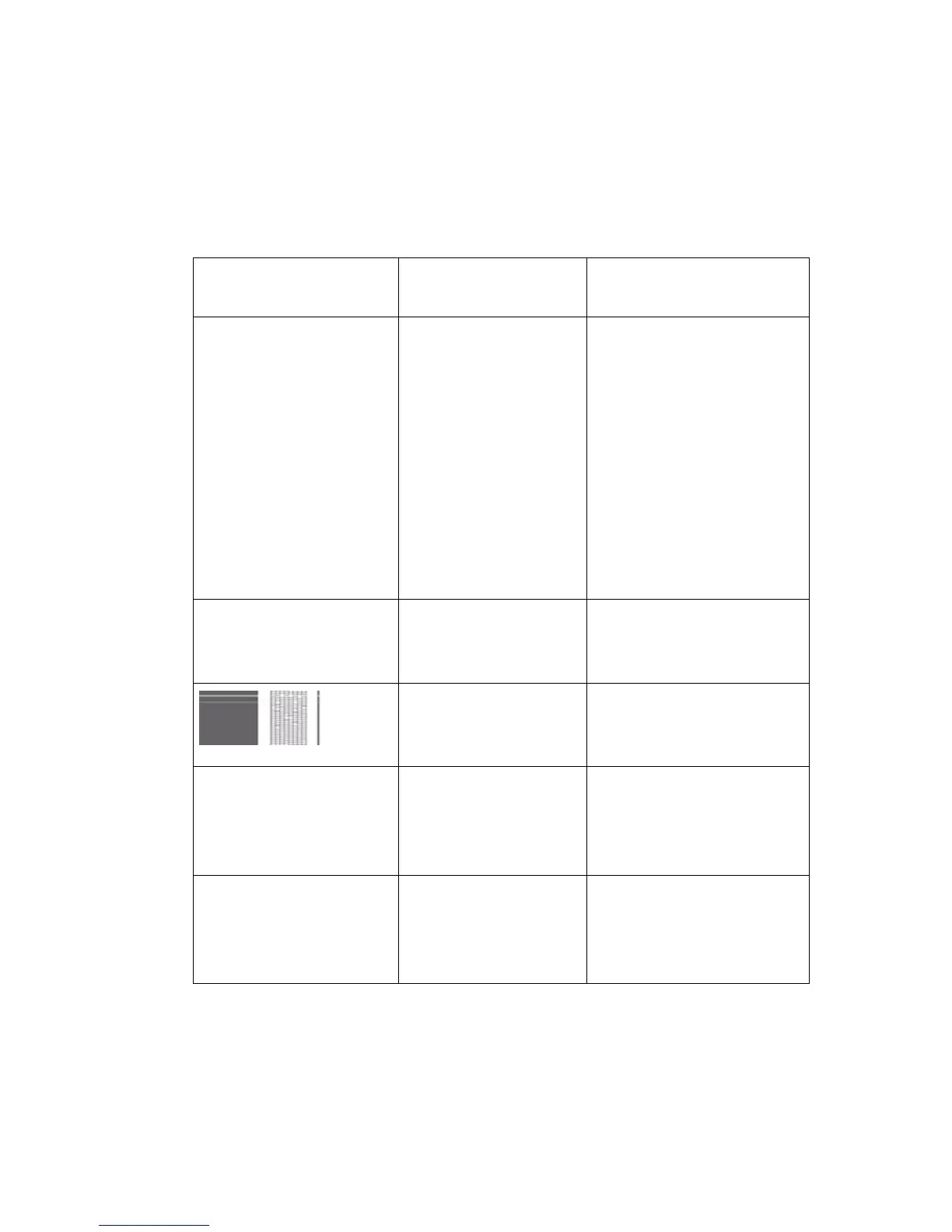
[25] Descrip tion of outp ut quality problems
Graphical representa-
tion of the problem
Problem Description
Not available The color of one area
runs into the color of
another area
Check if the color of one
area runs into the color of
another area. The media
type influences the image
quality. The bleeding test
consists of black and yel-
low areas with white lines
in between. If you use Pre-
mium Grade paper, a
0.008 inch line must be
visible.
Not available The color of one line
runs into the color of
another line
Check that the lines or the
white space between the
lines are visible.
White stripes in filled
areas
Check for white stripes in
filled areas. White stripes
are not acceptable.
Not available The output color is
not the same as the
original color
Make sure you define the
correct software settings
like the correct pen set-
tings.
Not available The length and width
measurements are
different from the
original
Check that the frame of
the quality check print is
exactly the size of an
8.5x11".



 To Next Page