Ensure the best quality output 131
[25] Description of output quality problems
Not available The colored lines are
not well aligned or
blurred
The horizontal and verti-
cal registration of the col-
ored lines. Check to
ensure that the colored
lines are well aligned and
sharp.
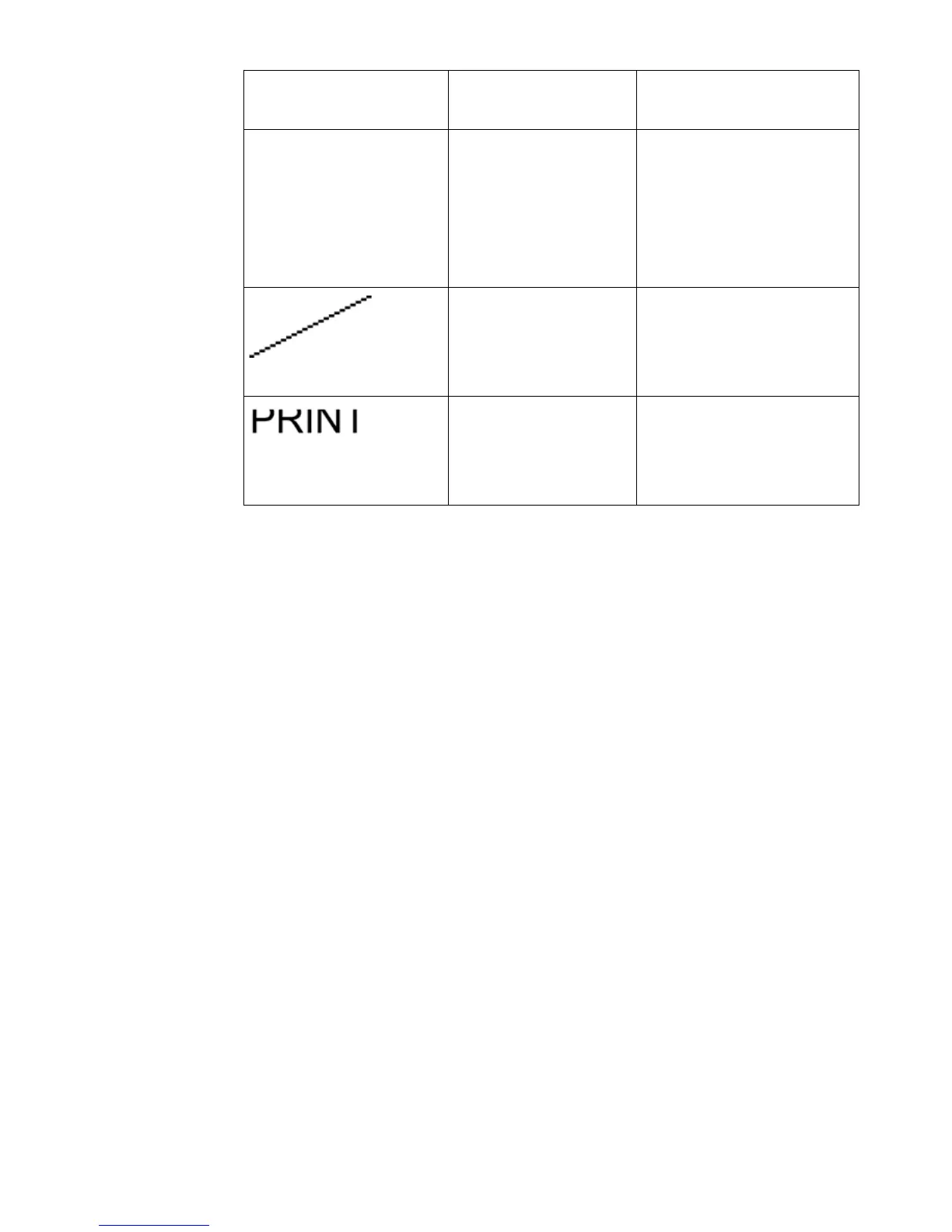
Missing sections in
lines or stepped lines
Check for the quality of
lines. Two patterns to
show the line quality, cir-
cles and 45° lines.
Missing parts of char-
acters
Check for the quality of
text. The text must be
readable. Check for wrong
alignment of the text.
Graphical representa-
tion of the problem
Problem Description



 To Next Page