Ensure the best quality output 147
How to calibrate the scanner
1
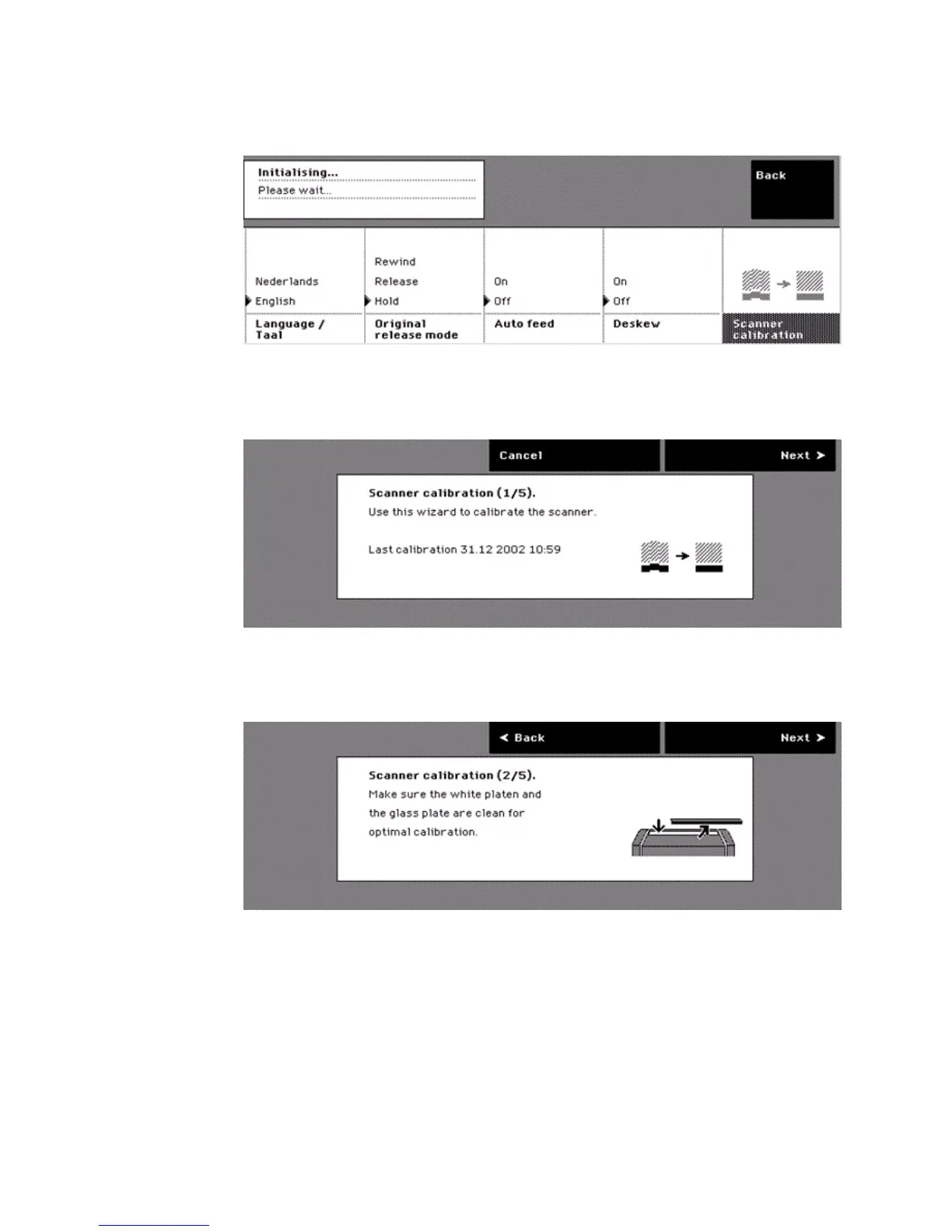
Press the upper key for 'System' on the home screen.
2 Press the lower key for 'Scanner calibration' to enter the wizard.
[39] Entry to the scanner calibr ation wizard on t he System screen.
[39] Entry to the scanner calibration wizard on the System screen.
The screen displays 'Use this wizard to calibrate the scanner' and the time and
the date of the last successful calibration.
[40] The first step of th e scanne r calibration wi zard
[40] The first step of the scanner calibration wizard
3 Press the upper key for 'Next'.
The screen prompts you to clean the glass plate and white platen.
[41] The secon d step of the scanne r calibration wi zard
[41] The second step of the scanner calibration wizard



 To Next Page