148 Océ TCS400 User manual
4 After you cleaned the glass plate and white platen, press the key for 'Next'.
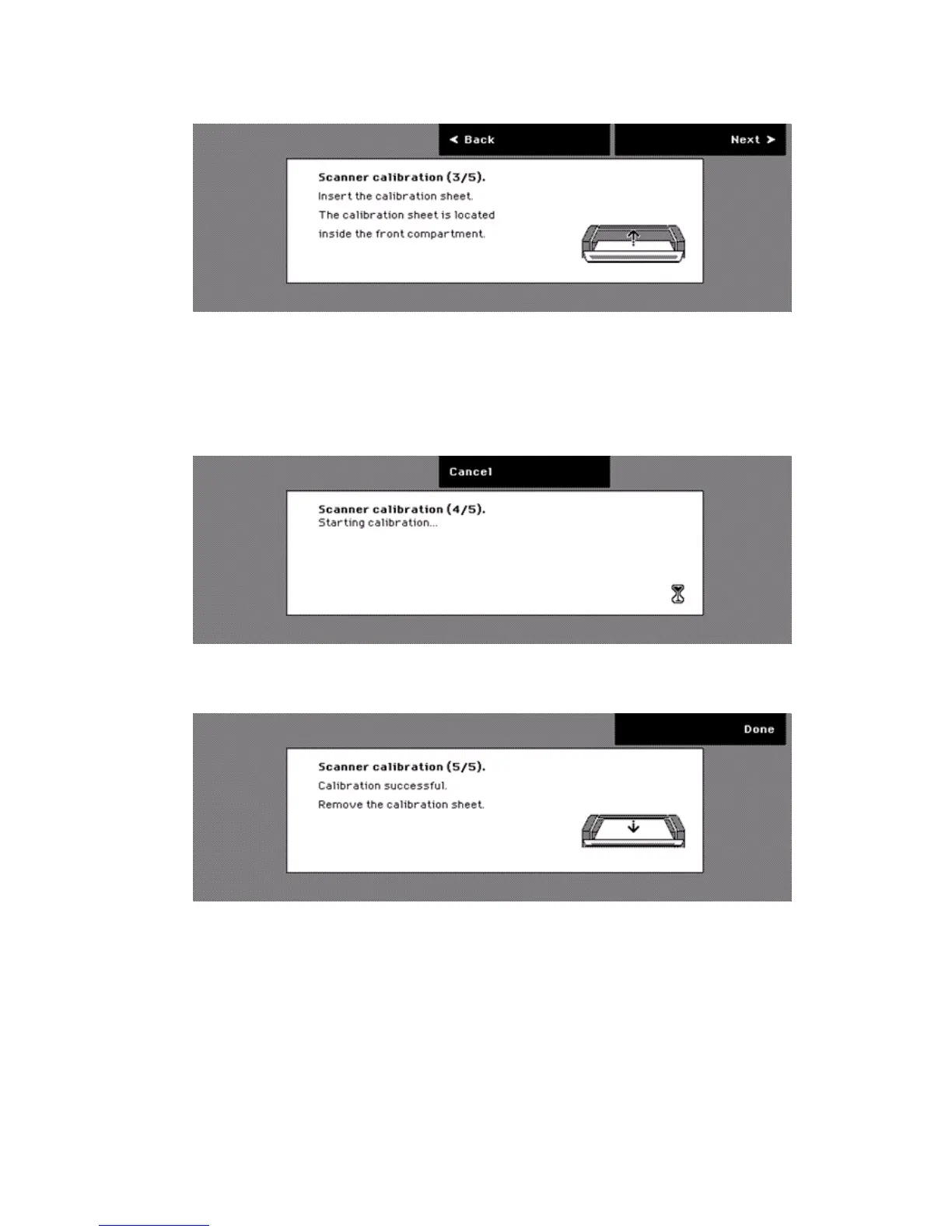
5 Place the calibration sheet face down, center aligned.
[42] The third step of the scanner c alibration wizard
[42] The third step of the scanner calibration wizard
6 Press the key for 'Next'.
The scanner starts the calibration. The calibration takes 10 minutes. If you
press the key for 'Cancel', the calibration process aborts. Then, the screen
prompts you to remove the calibration sheet.
[43] The fourth step of the scanner calibration wizard
[43] The fourth step of the scanner calibration wizard
7 If the calibration is completed, remove the calibration sheet.
[44] The fifth step of t he scann er calibration wi zard
[44] The fifth step of the scanner calibration wizard
8 Press the key for 'Done'.
The scanner returns to the 'System' screen.



 To Next Page