Manage jobs on the Océ TCS400 171
How to select the settings for the new roll of media
Attention: After you load a new roll of media, the screen of the printer operator
panel displays a wizard. Use the wizard to define the media type and the cut
option for the new media roll.
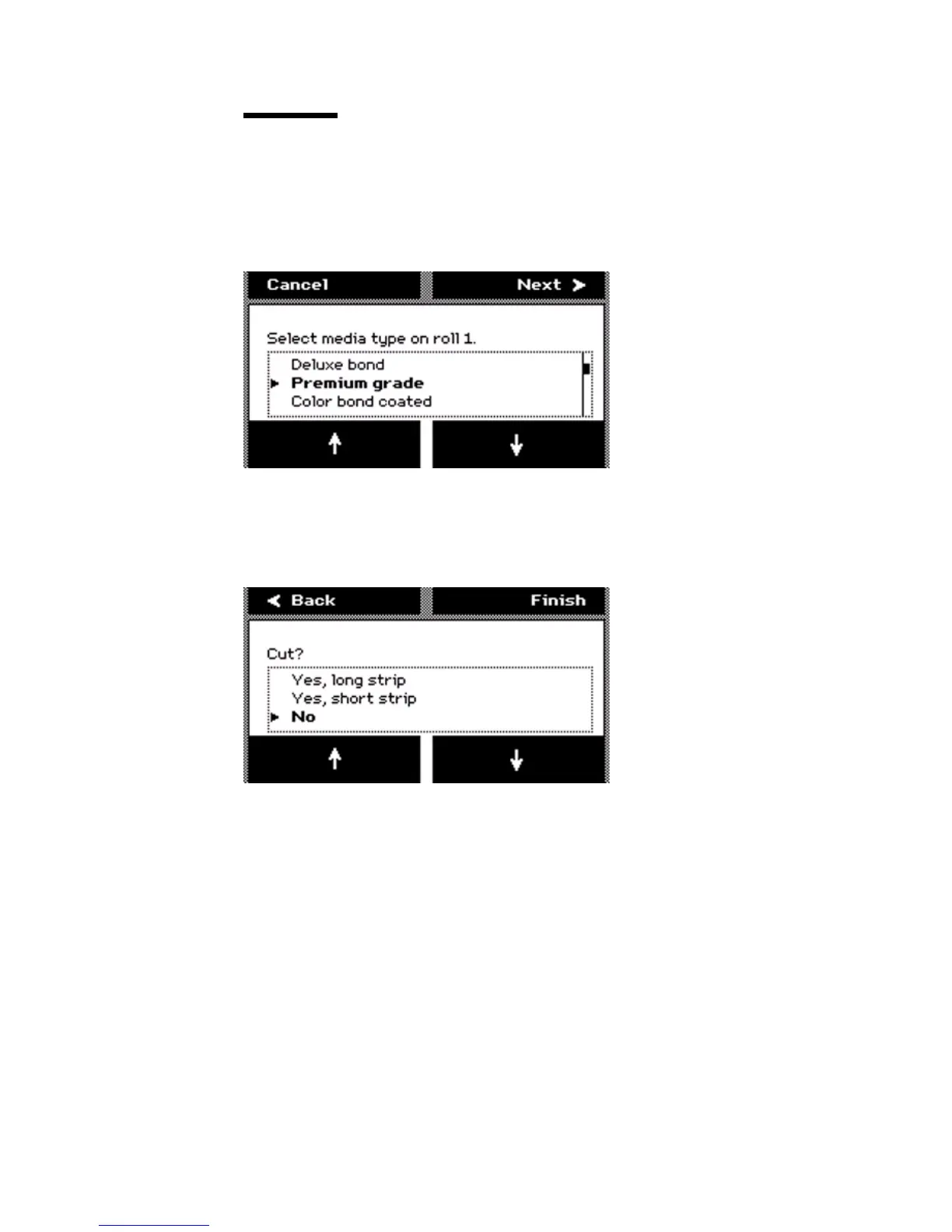
1 The screen displays the message 'Select media type on roll (number)'. Use the
lower softkeys to select the media type.
[52] Select the media t ype
[52] Select the media type
2 Press the key for 'Next' to enter the cut option screen. The system displays the
question 'Cut?'
3 Use the lower softkeys to select the cut option for the media.
[53] Select the cut opt ion
[53] Select the cut option
Select one of the following:
■ 'Yes, long strip'
Cut the media with a full roll rotation feed (20 inches) before the printer cuts
the media. You can use this option if the media is damaged or polluted with,
for example, tape residue.
■ 'Yes, short strip'
Cut the media with the shortest possible strip (8 inches).
■ 'No'
No media cut.
4 Press the key for 'Finish' to confirm the settings and to exit the wizard.



 To Next Page