172 Océ TCS400 User manual
How to correct the media type defined on the system
Attention: You only need to correct the type of media if an incorrect media type
was defined when the roll was loaded.
If you define a type of media that is different from the media type loaded on the
system, the print quality decreases and pollution of the system can occur.
1 Press the on-line / off-line key to set the printer off-line.
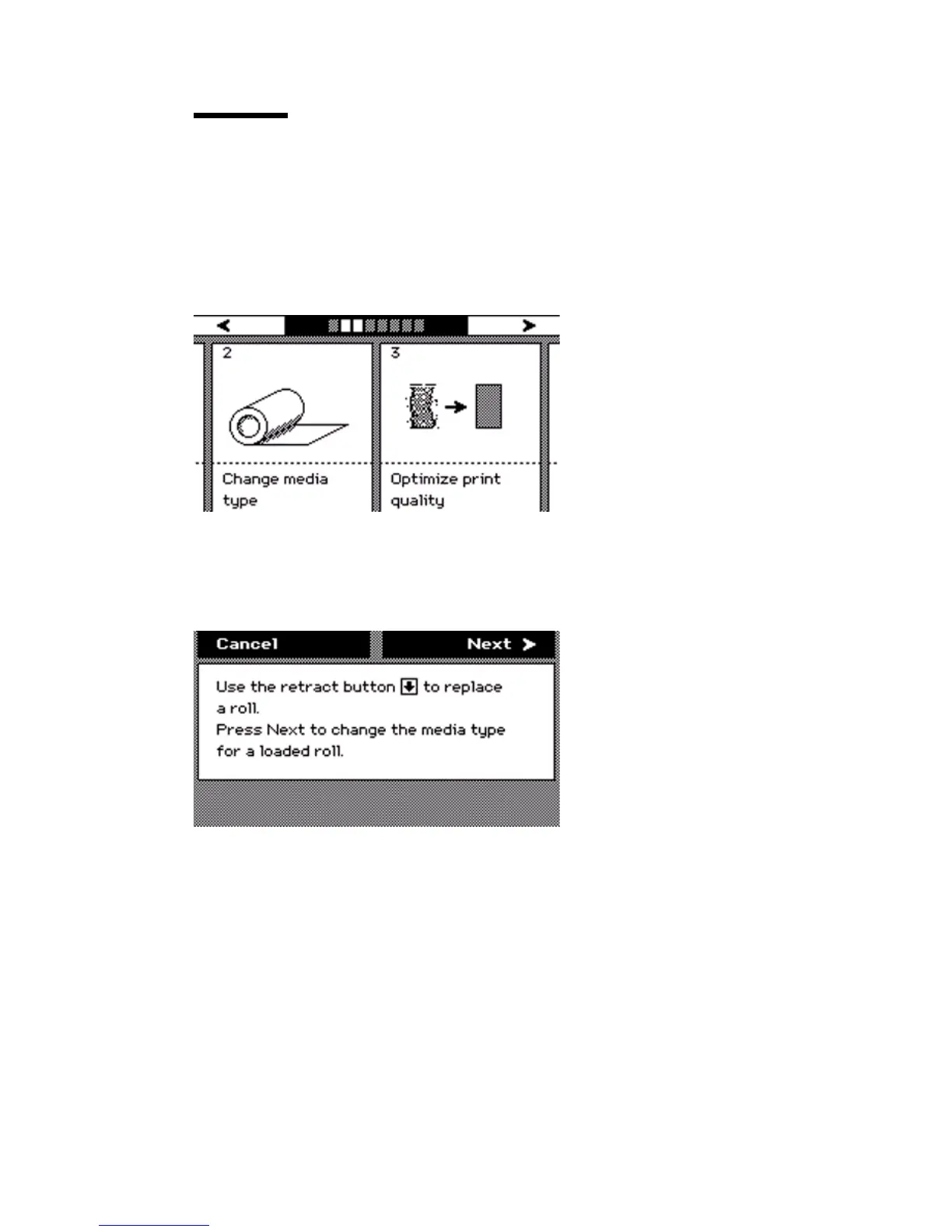
2 Use the upper softkeys to scroll to the 'Change media type' card.
[54] Change medi a type card on th e off-line screen
[54] Change media type card on the off-line screen
3 Press the softkey below the 'Change media type' card to enter the wizard.
4 An introduction screen displays the message 'Use the retract button to replace
a roll. Press Next to change the media type for a loaded roll.'
[55] Introduction screen
[55] Introduction screen



 To Next Page