Manage jobs on the Océ TCS400 173
If you do not want to load a new roll, use the upper right softkey to continue
the wizard at the introduction screen. If you do want to load a new roll, press
the retract button to change the media roll. (see figure 47)
5 When you press the retract button, the screen displays the message 'Load new
media'. Change the media roll as described in the above sections.
6 If you do not press the retract button and continue in the 'Change media type'
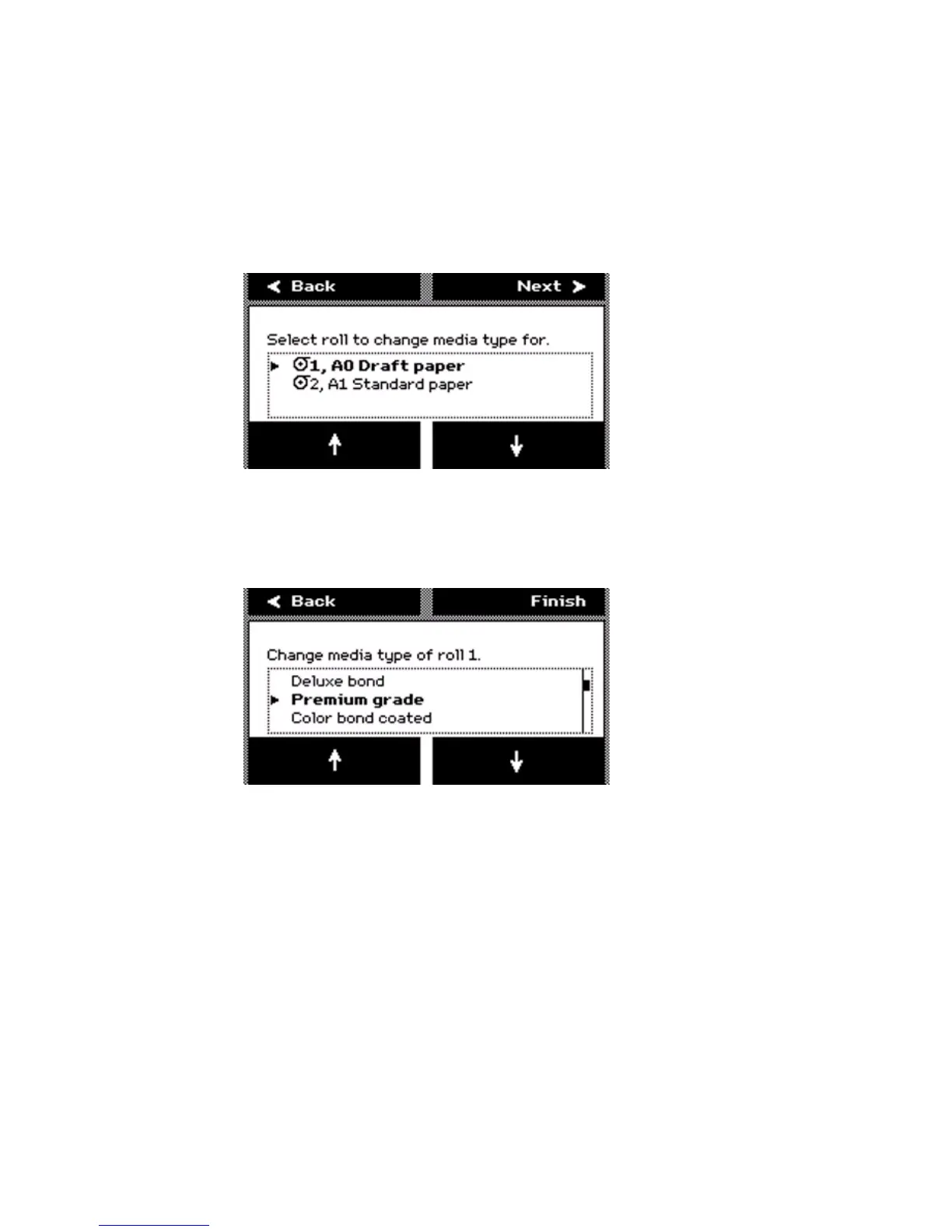
wizard, the screen displays the message 'Select roll to change media type for'.
Use the lower softkeys to select the correct roll to change the media type for.
[56] Select a r oll to change the me dia type.
[56] Select a roll to change the media type.
7 Press the key for 'Next' to continue. The screen displays the message 'Change
media type of roll [number]'. Use the lower softkeys to select the correct media
type for the media roll.
[57] Select the correct media type for the rol l
[57] Select the correct media type for the roll
8 Press the key for 'Finish' to confirm the settings and to exit the wizard.



 To Next Page