42 Océ TCS400 User manual
Turn the Océ Power Logic® controller and the printer on
Perform the following when the setting KO - System - Synchronize printer
and Power Logic controller power on/off if the Océ Settings Editor is set to
'On':
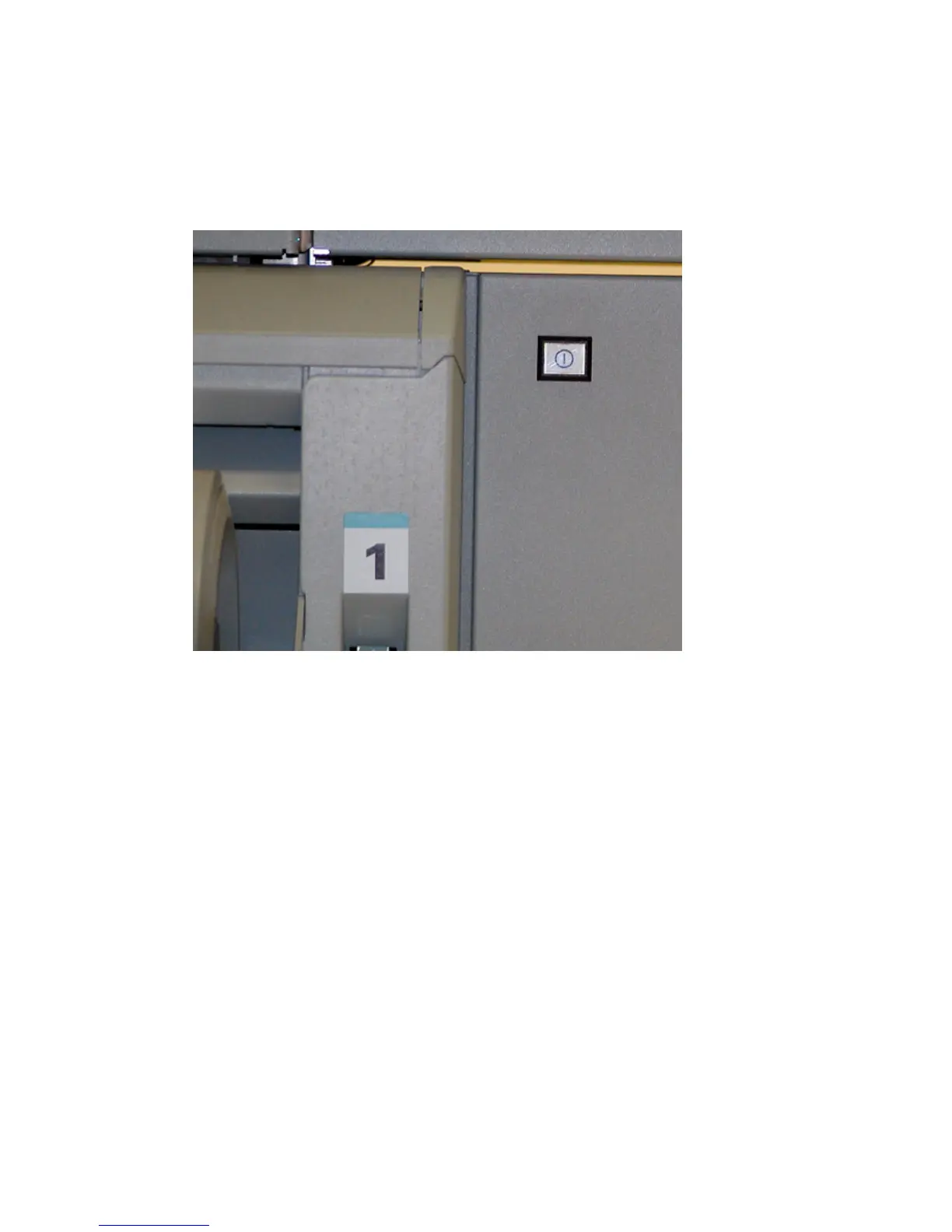
1 Press the on/off button of the printer.
The Océ Power Logic
®
controller and the printer both start up.
[16] The on/off butto n of the printer
[16] The on/off button of the printer
Perform the following when the setting KO - System - Synchronize printer
and Power Logic controller power on/off if the Océ Settings Editor is set to
'Off'.
1 Press the on/off button on the Océ Power Logic
®
controller.
2 Press the on/off button on the printer.



 To Next Page