48 Océ TCS400 User manual
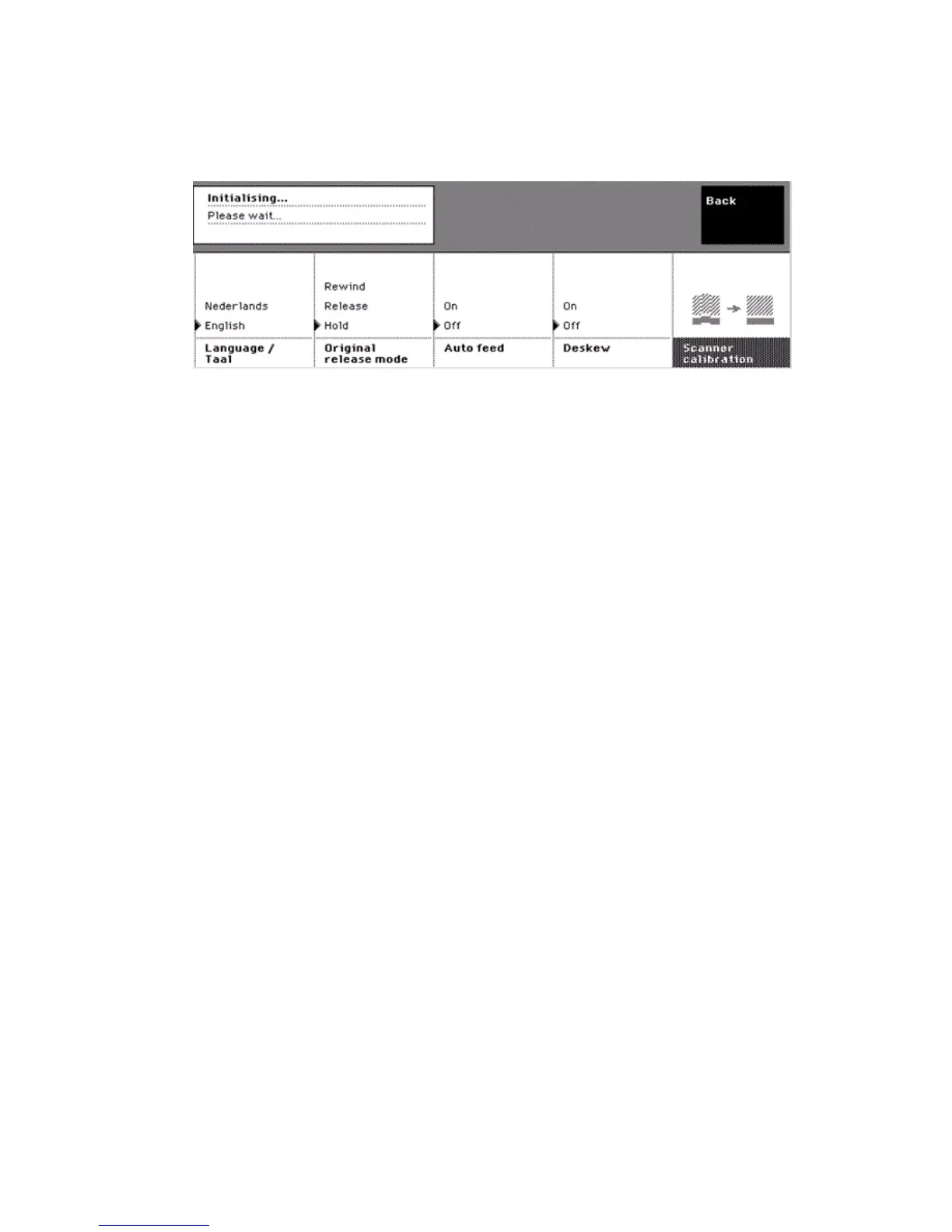
How to change the language on the scanner operator panel
1
On the home screen, press the upper right softkey for 'System' to enter the
system screen.
2 Press the softkey below the 'Language' card to change the language.
[19] The languag e card on the sy stem screen
[19] The language card on the system screen
Note: If the first language and the second language defined in the Océ Settings
Editor are the same, the language card is not visible.



 To Next Page