52 Océ TCS400 User manual
Press the keys for '-' and '+' to define the subnet mask.
After you finish an octet, press the key for 'Next' to go to the next octet.
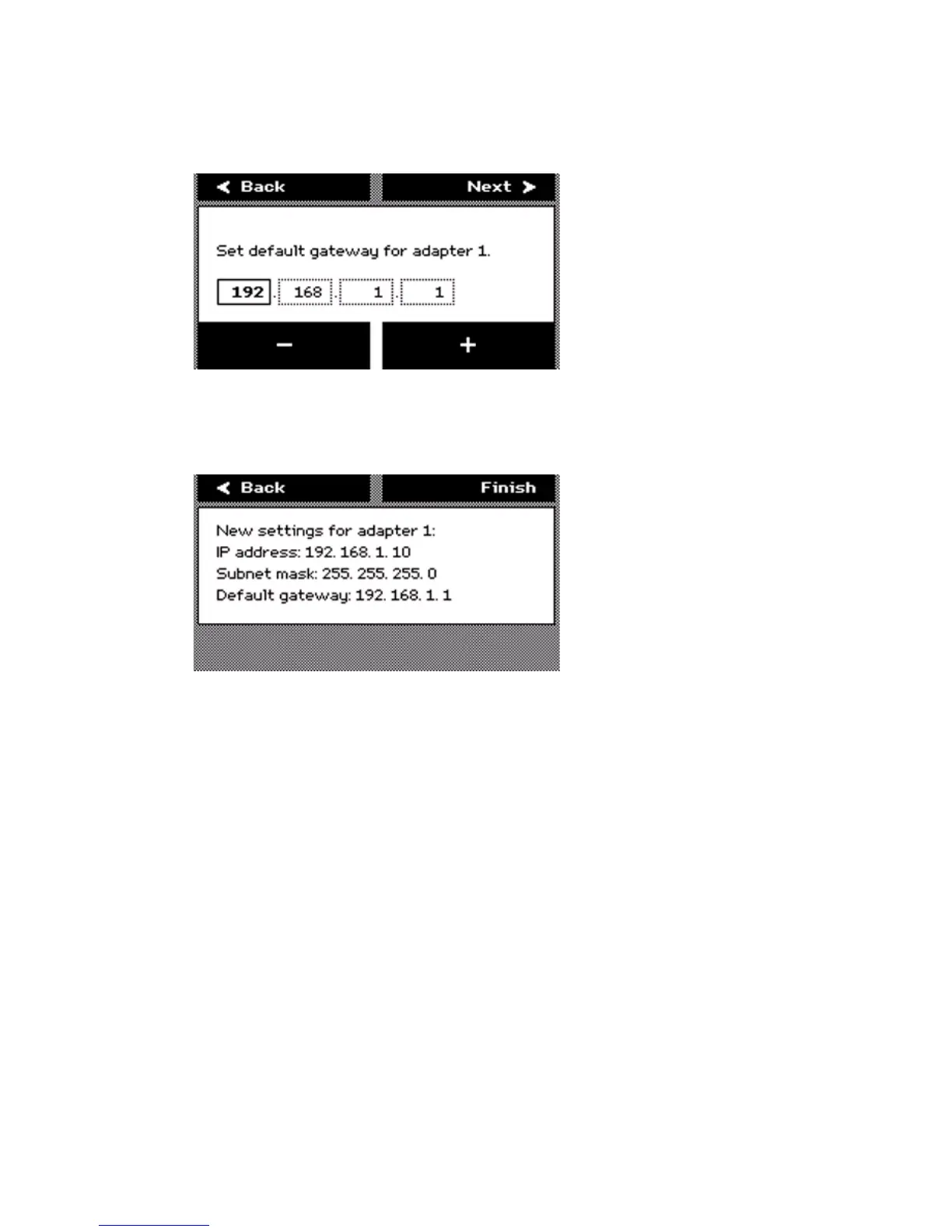
12 Press the key for 'Next' after you finish the last octet. The screen displays 'Set
default gateway for adapter [number]'.
Press the keys for '-' and '+' to define the default gateway.
After you finish an octet, press the key for 'Next' to go to the next octet.
13 After you finish the last octet, the screen shows an overview of all the network
settings.
Press the key for 'Finish' to confirm the settings and to exit the wizard.
How to configure the system from the Océ Settings Editor
1
Log on to the system administrator mode.
2 From the 'View' menu in the menu bar, select 'SA settings'.
3 Use the buttons on the left toolbar to display the required group of settings.
4 Select the required settings in the tree structure.
5 Define the settings in the update area.
6 Click the 'Apply' button to confirm the new settings.
7 Log off from the system administrator mode to prevent unauthorized use of the
application.
See the on-line help in the Océ Settings Editor for more information about how
to configure the system from the Océ Settings Editor.



 To Next Page