62 Océ TCS400 User manual
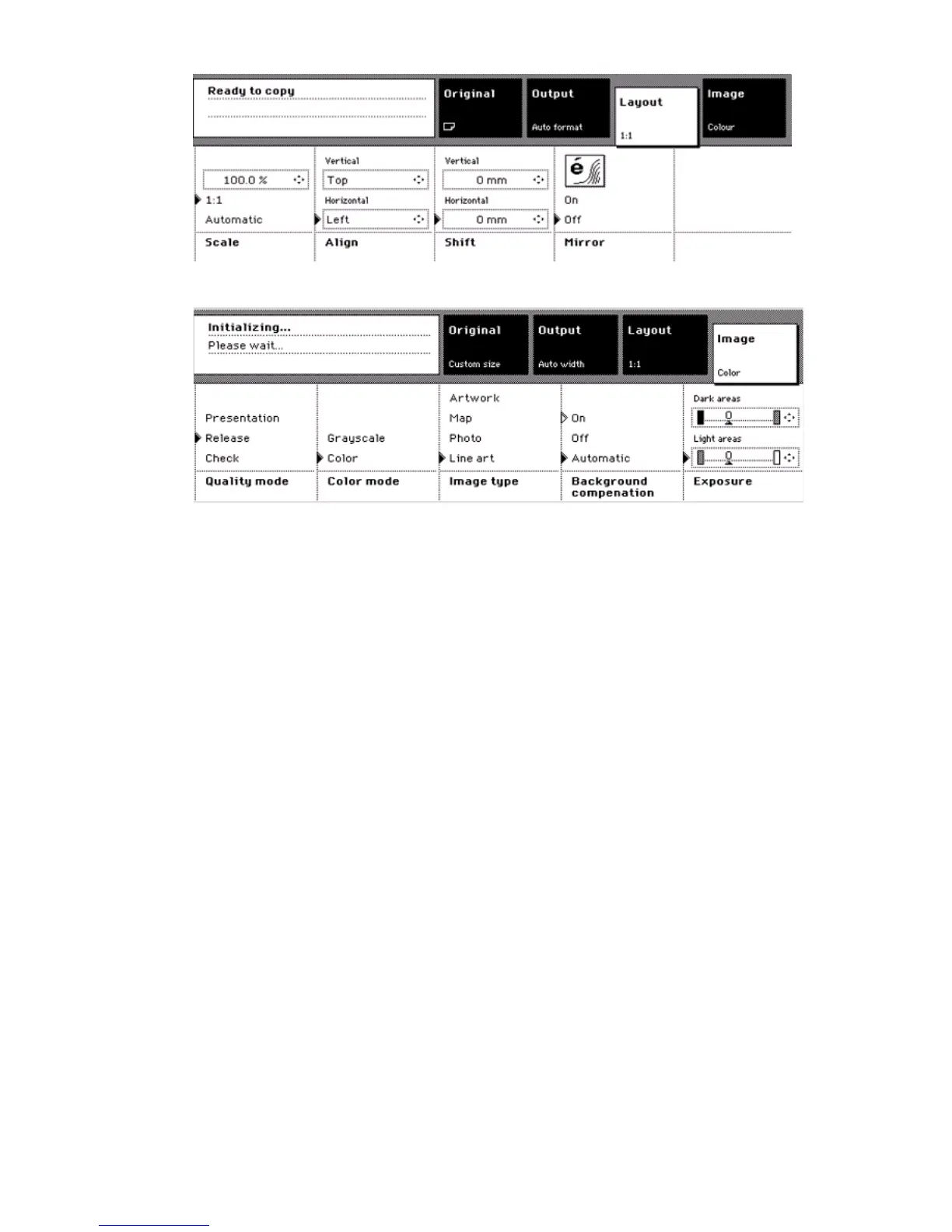
[22] The Layout c ard
[22] The Layout card
[23] The Image card
[23] The Image card
Use the settings on the 'Original' card for the following:
■ Define all the settings that deal with the original
■ Define the 'Input mode'. (see ‘Create and start a copy job’ on page 64)
■ Define the size of the original
■ Remove a leading strip
■ Select the area of the original that you can see on the output.
Use the settings on the 'Output' card for the following:
■ Define all the settings that deal with the output media
■ Define the output media
■ Define the media width.
■ Define the copy length
■ Add a leading strip
■ Add a trailing strip.
Use the settings on the 'Layout' card for the following:
■ Define all the settings that deal with the layout changes
■ Define the scale factor.
■ Define the horizontal and the vertical alignment.
■ Shift the image.
■ Mirror the image.



 To Next Page