© 2011 Omnicell, Inc. 1-, 2-, 3-Cell Color Touch Installation and Service Guide/67-2014 Rev G
Installing a G4 Console 12-9
Prepare for Installation of the G4 Console
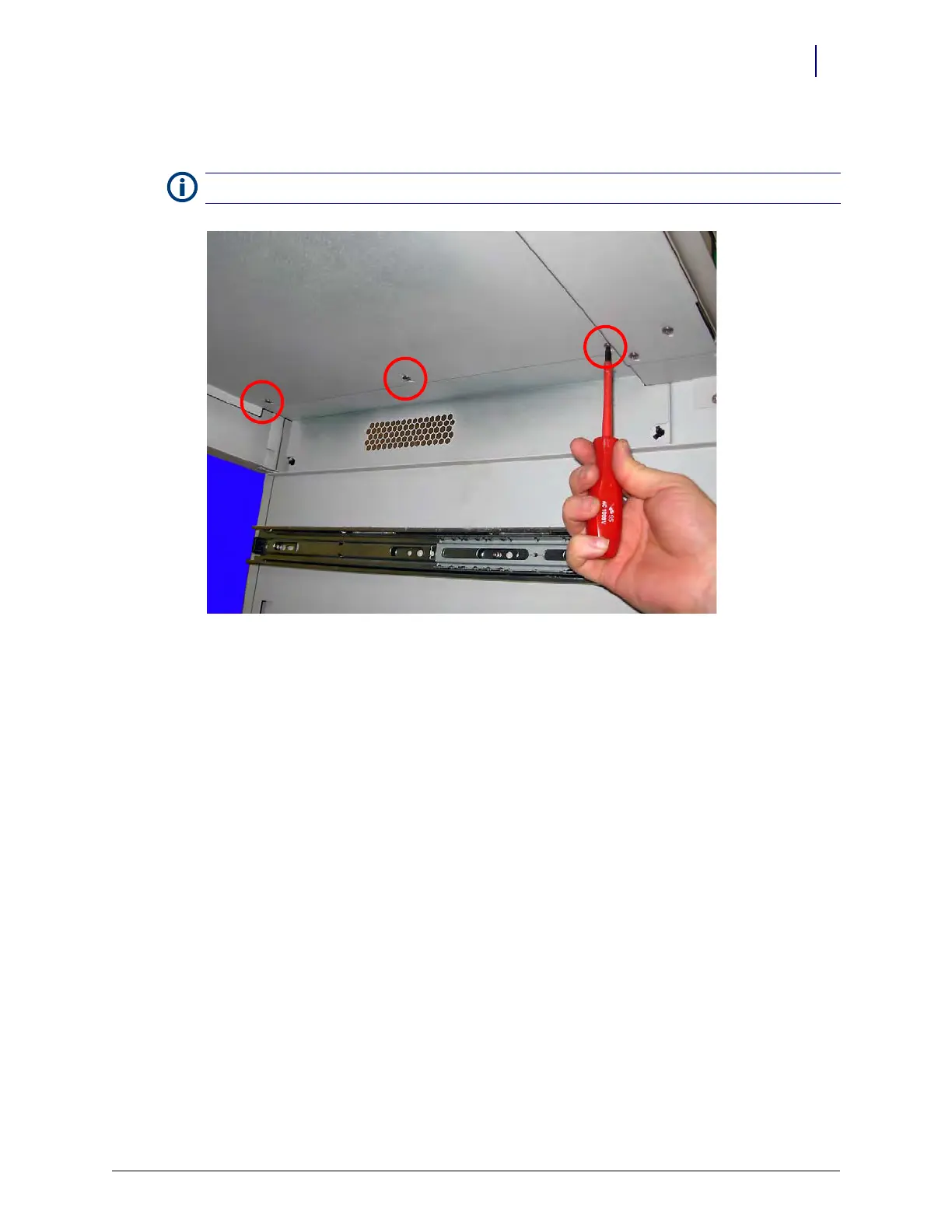
8. Add three more screws, as shown in Figure 12-14 on page 12-9, to complete the joining of the
two cover pieces. Use a Torx T15 driver.
Figure 12-14. Add three more screws to secure the lid pieces
Note: Do not tighten any of the screws until all of the screws are installed.



 To Next Page