12-8 Installing a G4 Console
Prepare for Installation of the G4 Console
1-, 2-, 3-Cell Color Touch Installation and Service Guide/67-2014 Rev G © 2011 Omnicell, Inc.
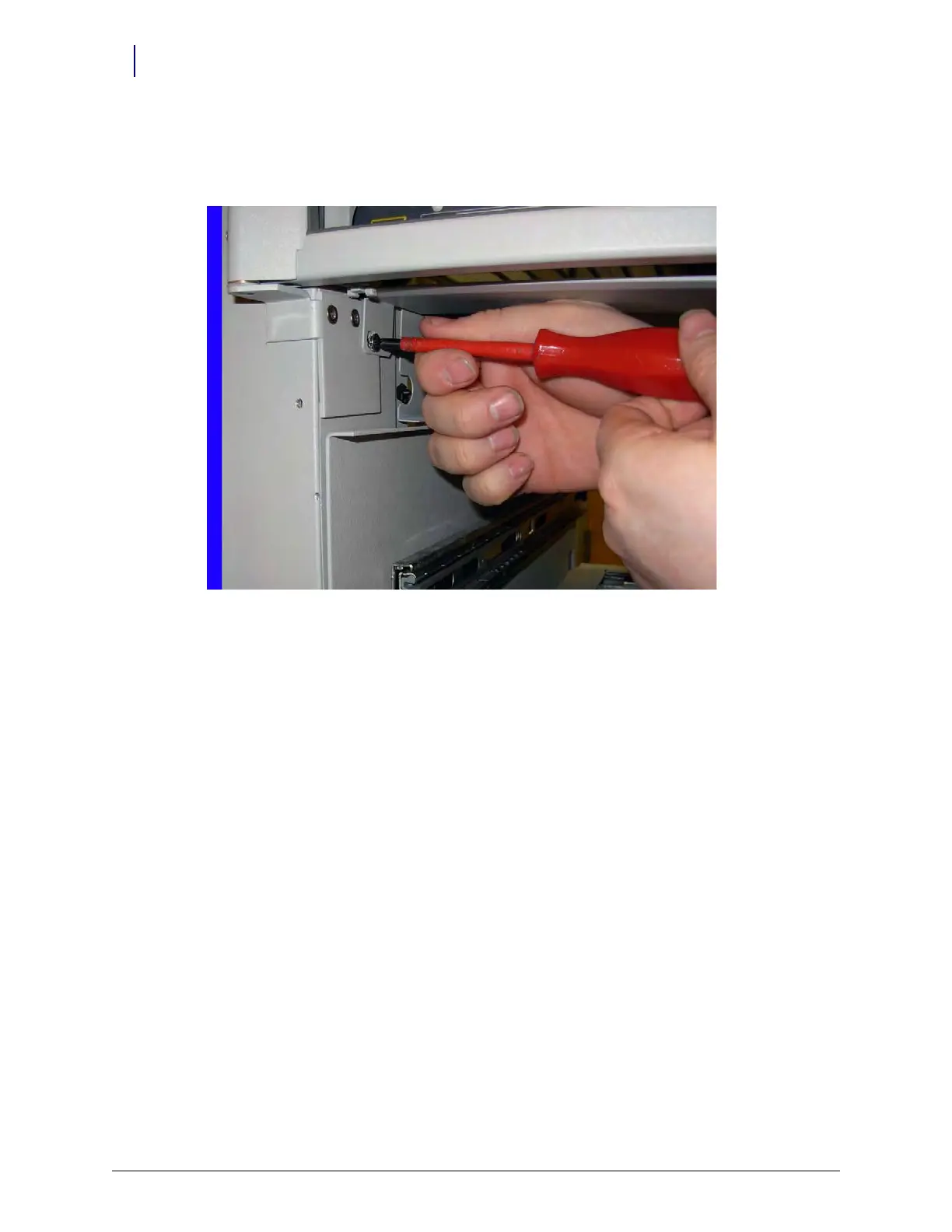
7. Secure the large section of the cover to the frame by attaching the screw that was previously
removed from the door hinge. There is also a spare screw in the upgrade kit.
Figure 12-13. Secure the large portion of the cover by replacing the screw



 To Next Page