© 2011 Omnicell, Inc. 1-, 2-, 3-Cell Color Touch Installation and Service Guide/67-2014 Rev G
Installing a G4 Console 12-7
Prepare for Installation of the G4 Console
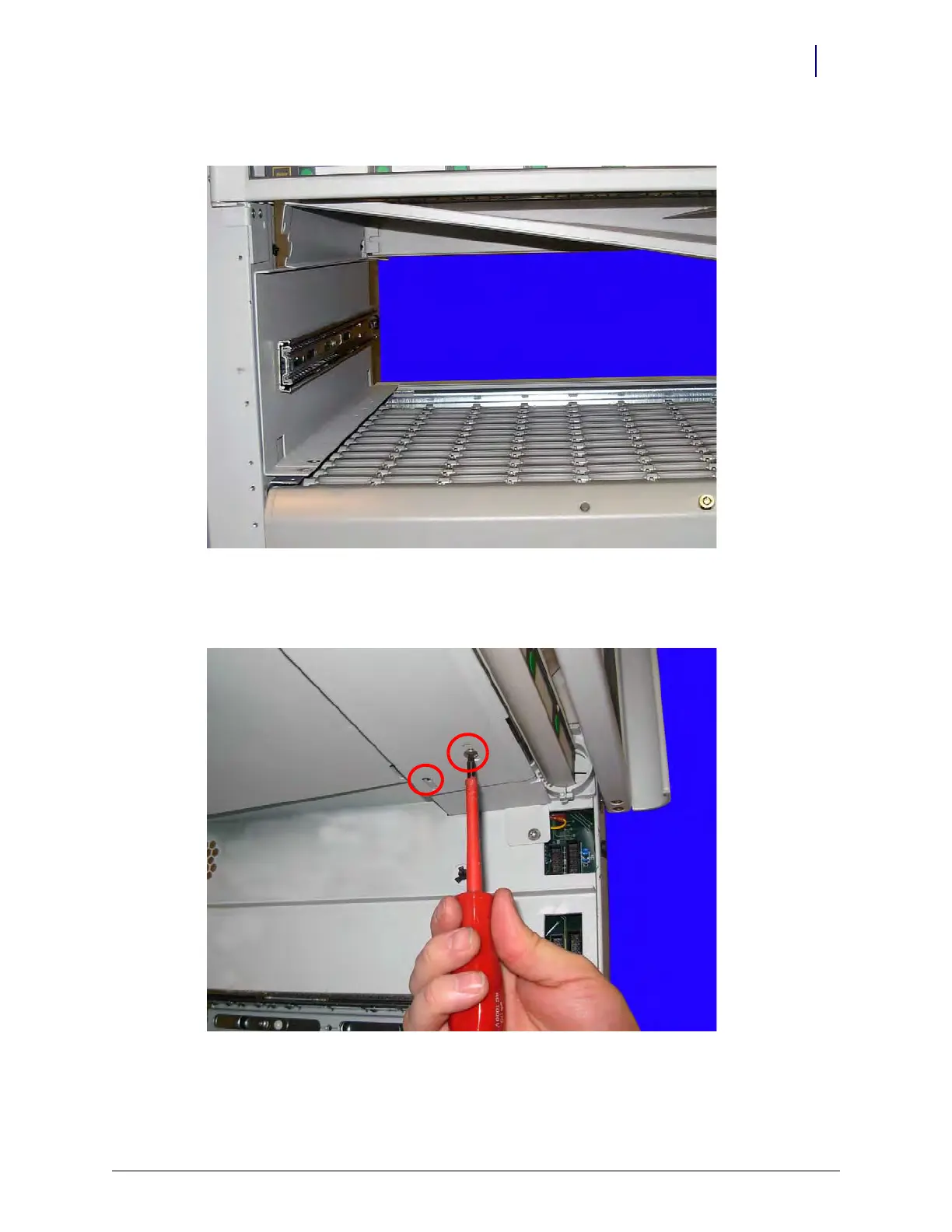
5. Ensure that the tab of the large cover is positioned below the rear and side flange of the frame.
Figure 12-11. Ensure that the tab is below the rear and side flange on the frame
6. Attach the two sections of the cover by adding two screws to the top front portion of the cover.
Use a Torx T15 driver.
Figure 12-12. Add a screw to join the two portions of the cover



 To Next Page