12-6 Installing a G4 Console
Prepare for Installation of the G4 Console
1-, 2-, 3-Cell Color Touch Installation and Service Guide/67-2014 Rev G © 2011 Omnicell, Inc.
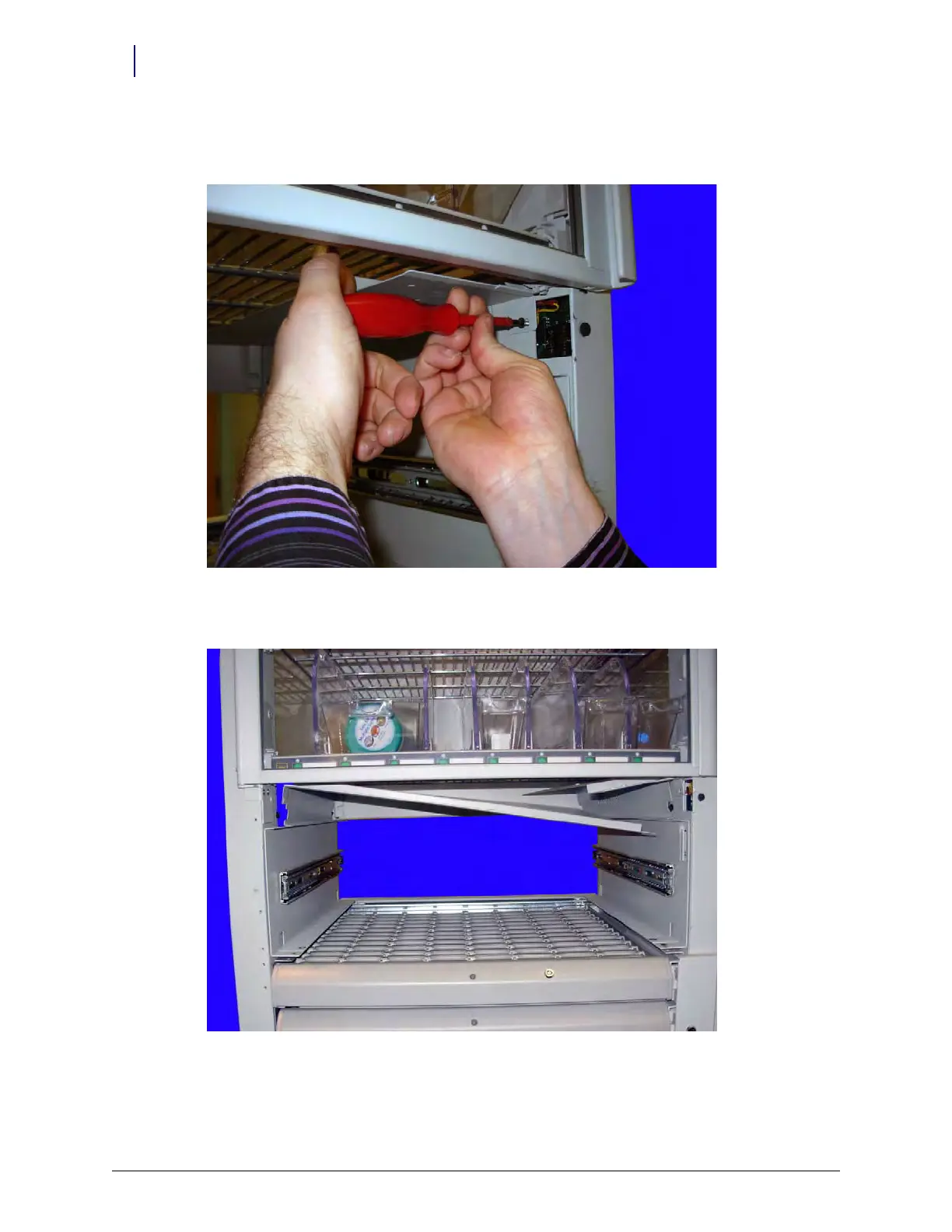
3. Secure the cover to the frame by adding a 8-32 x 3/8 flathead torx screw to the front of the
cover near the wireway opening. Use a Torx T20 driver.
Figure 12-9. Secure the cover with the screw provided
4. Place the larger cover on the left side of the console enclosure and set it on the ridge.
Figure 12-10. Place the large cover into the frame opening



 To Next Page