13-16 G4 PC Box Service
Remove and Replace the LCD Touch Screen
1-, 2-, 3-Cell Color Touch Installation and Service Guide/67-2014 Rev G © 2011 Omnicell, Inc.
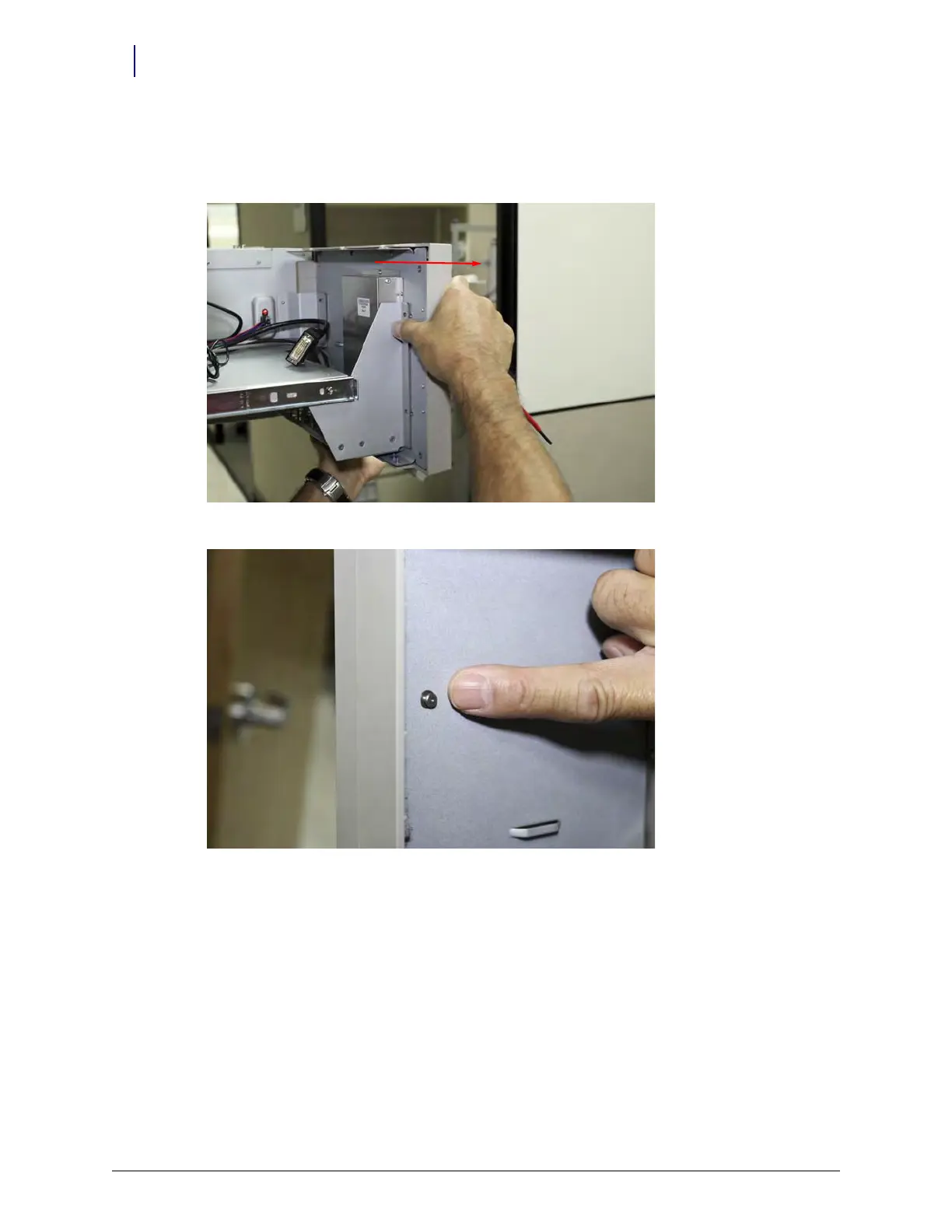
9. Support the LCD touch screen assembly and slide it away from the keyboard assembly (to the
right when viewed for the angle required to access) to disengage it from the keyhole fasteners
on the right-rear of the assembly.
Figure 13-29. Carefully disengage the panel from the keyhole fasteners
Figure 13-30. Showing the male half of the keyhole fastener, located on the rear of the LCD touch screen assembly, shown after
removal



 To Next Page