© 2011 Omnicell, Inc. 1-, 2-, 3-Cell Color Touch Installation and Service Guide/67-2014 Rev G
G4 PC Box Service 13-19
Remove and Replace the Keyboard and Printer Panel
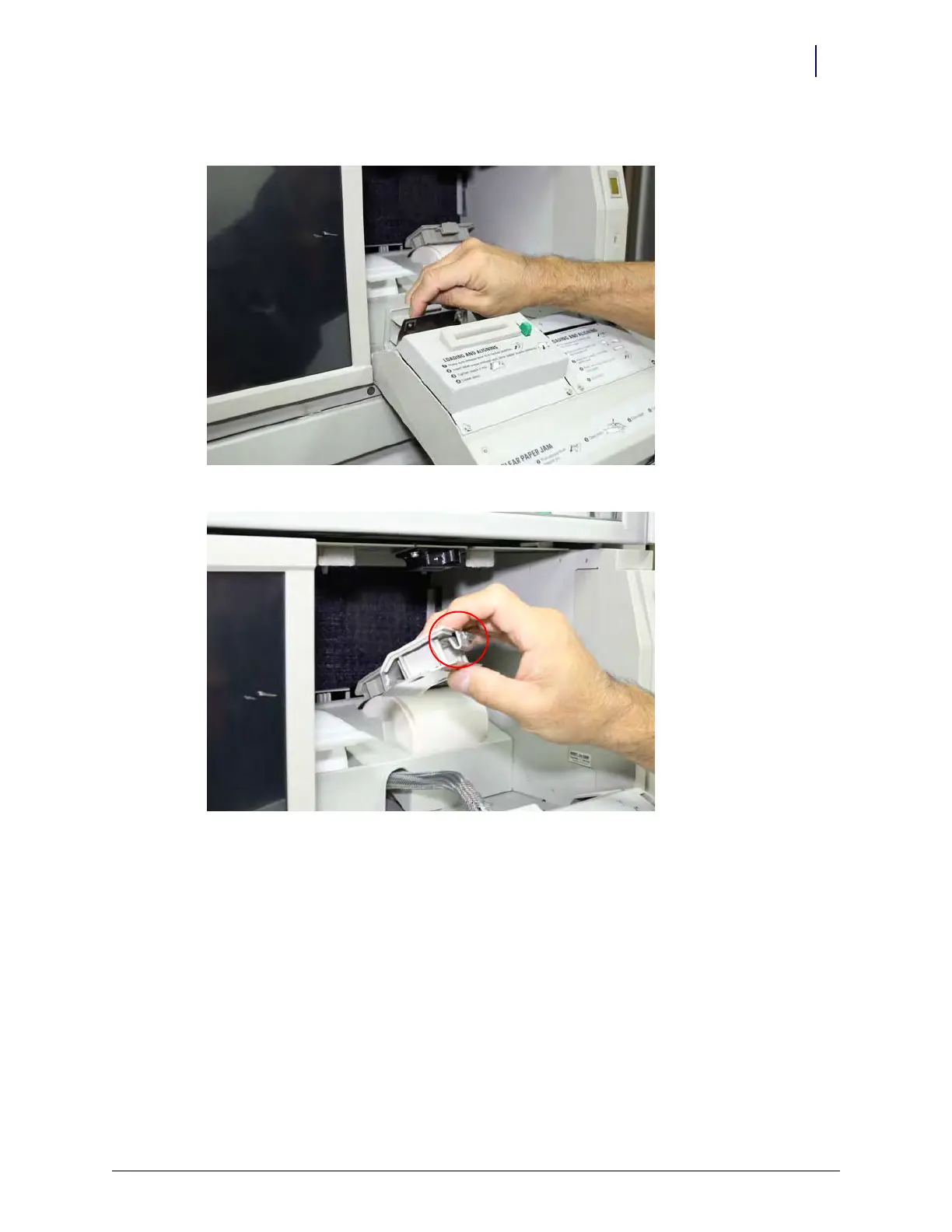
3. Remove the rear panels of both printers, use a thumb to push the latch forward.
Figure 13-34. Removing rear printer panel. Note position of thumb on latch
Figure 13-35. Detail of latch to release rear printer panel



 To Next Page