13-26 G4 PC Box Service
Remove and Replace the Keyboard and Printer Panel
1-, 2-, 3-Cell Color Touch Installation and Service Guide/67-2014 Rev G © 2011 Omnicell, Inc.
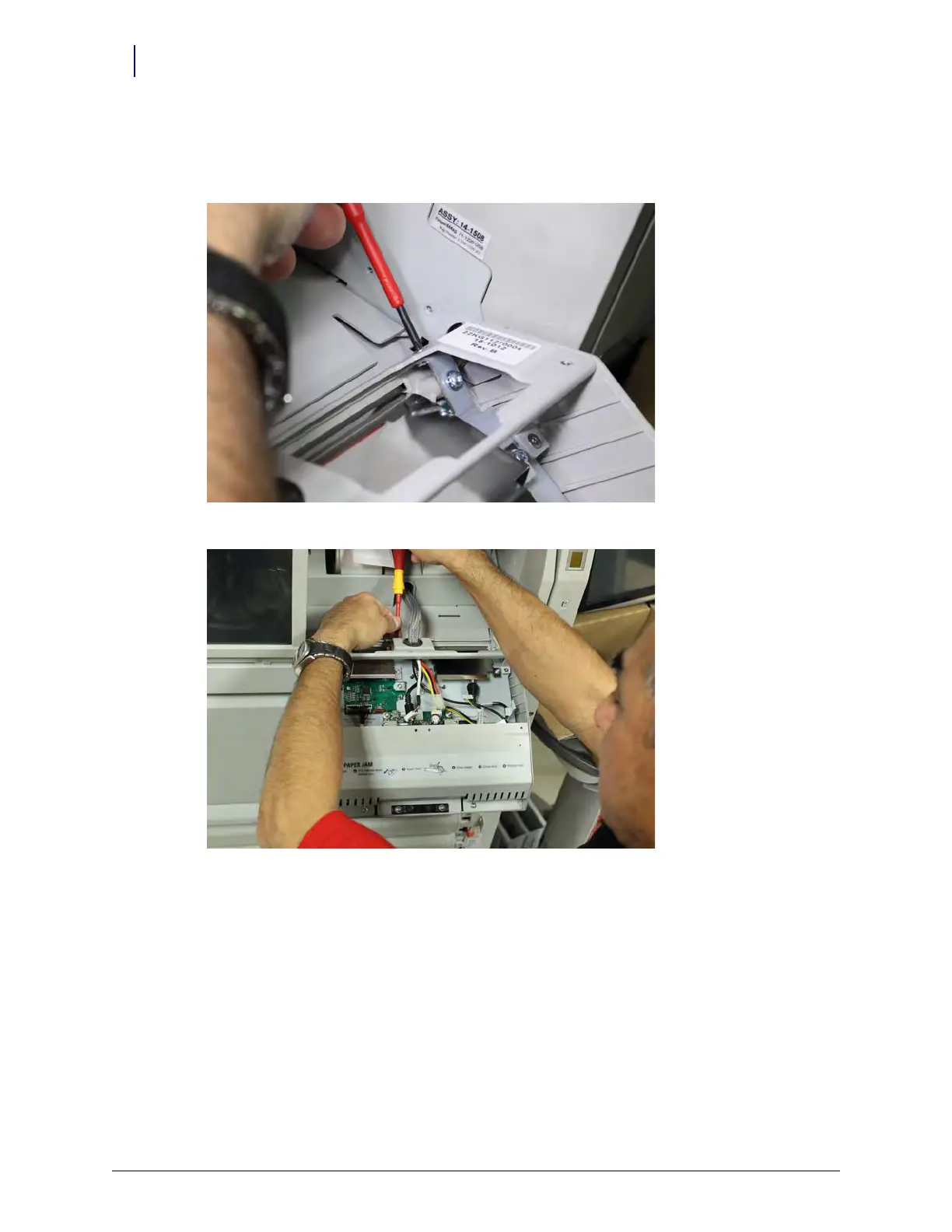
19. Remove the screws holding the keyboard chassis onto the hinge. There is one screw on the left
and right, and one in the center. The keyboard chassis should remain caught on the hinge pins,
but exercise caution.
Figure 13-48. Removing fastener on the right
Figure 13-49. Removing the fastener in the center



 To Next Page