© 2011 Omnicell, Inc. 1-, 2-, 3-Cell Color Touch Installation and Service Guide/67-2014 Rev G
Drawers 7-13
Installation Procedures
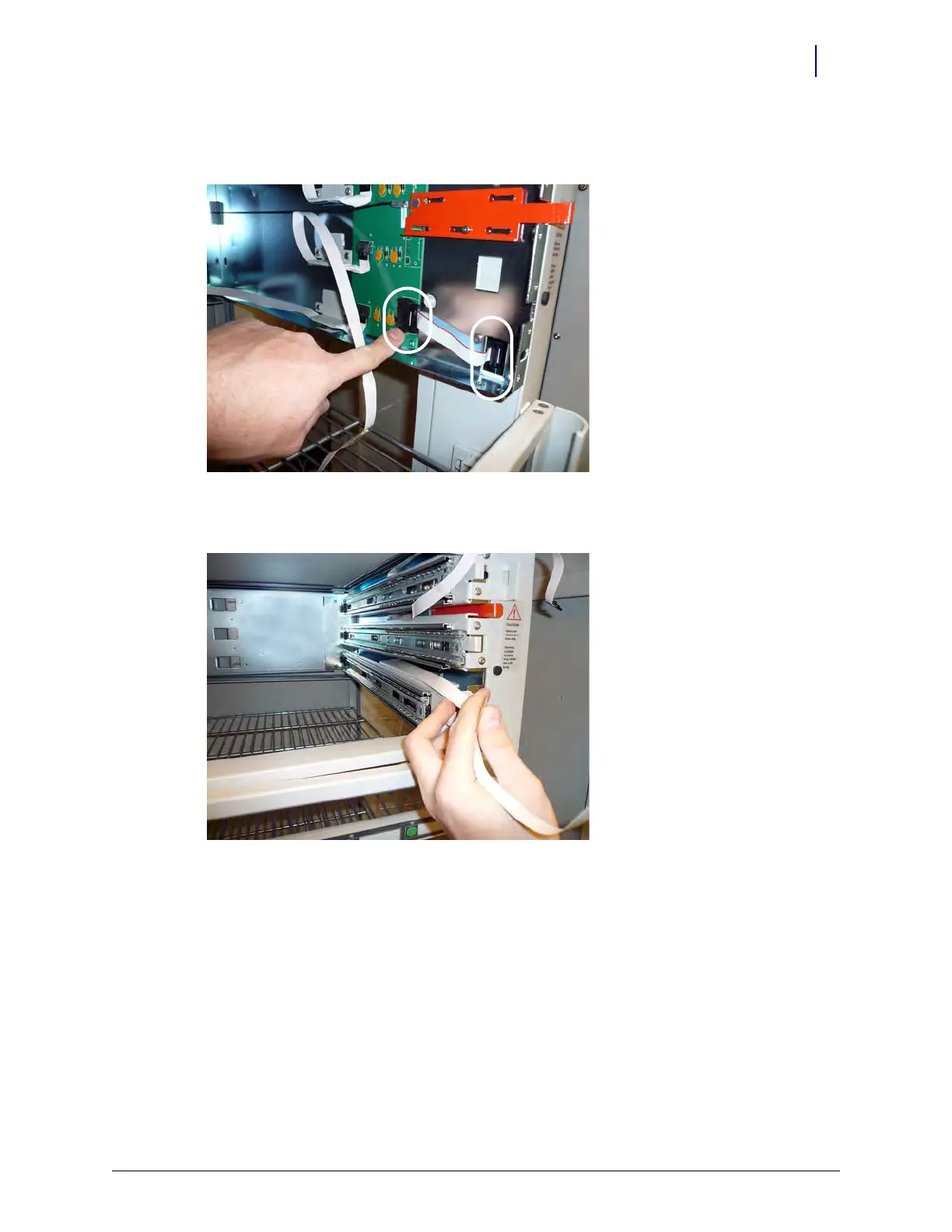
14. Connect one end of the SPC-to-carrier control board 10-pin ribbon cable to the carrier control
board and the other end to the SPC board on the frame.
Figure 7-15. Connect the SPC-to-carrier cable.
15. Insert the tabs on the slide support brackets into the slots on the rear carrier wall.
Figure 7-16. Insert the slide support brackets



 To Next Page