7-12 Drawers
Installation Procedures
1-, 2-, 3-Cell Color Touch Installation and Service Guide/67-2014 Rev G © 2011 Omnicell, Inc.
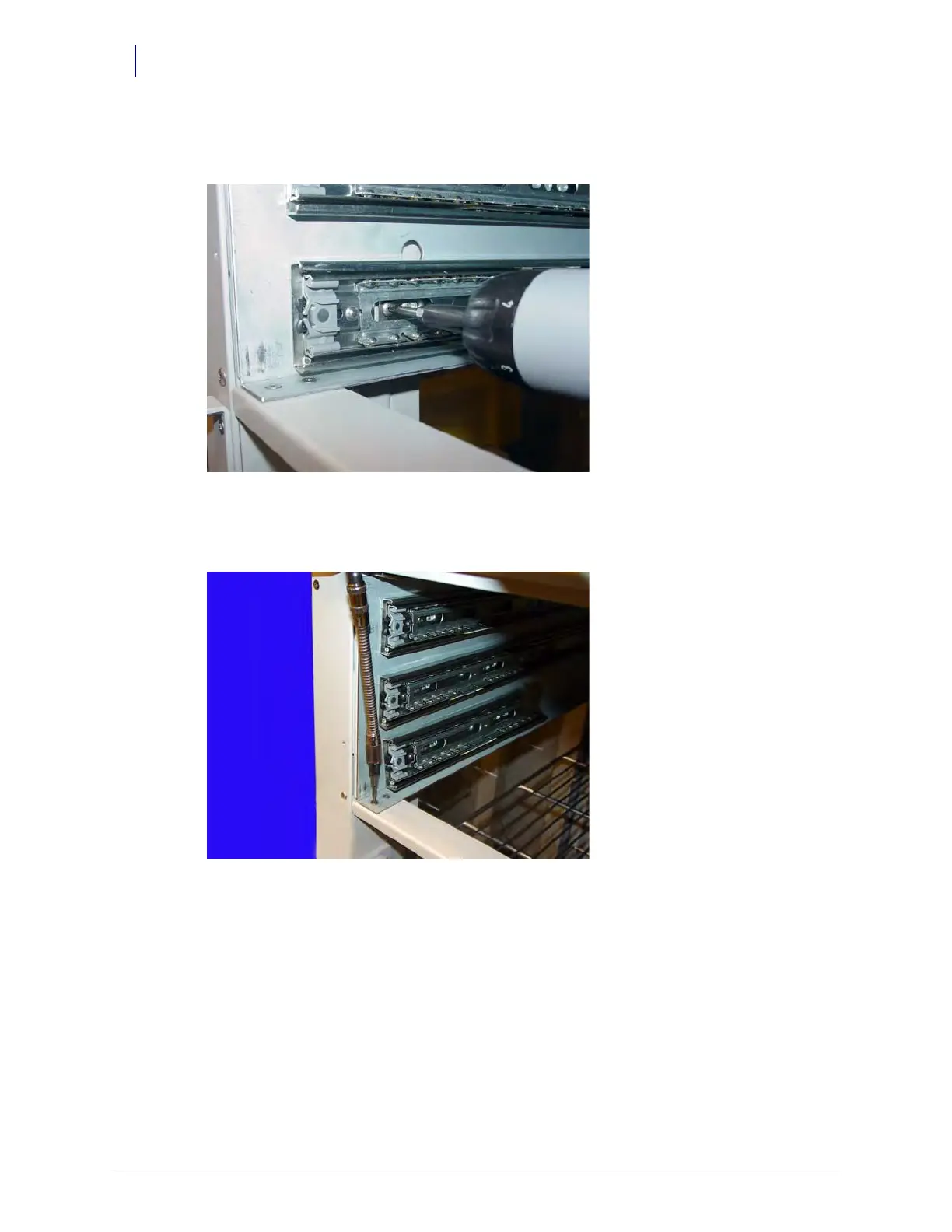
12. Install the top and bottom slides to the holes on the left carrier wall, securing each with two
screws with a Torx T15 screwdriver.
Figure 7-13. Install the drawer slides
13. Install the front Facia bracket, connecting it with two screws to both the left and right walls of
the carrier with a Torx T10 screwdriver.
Figure 7-14. Install the front facia bracket



 To Next Page