© 2011 Omnicell, Inc. 1-, 2-, 3-Cell Color Touch Installation and Service Guide/67-2014 Rev G
Drawer Connect Board 8-3
Removal Procedure
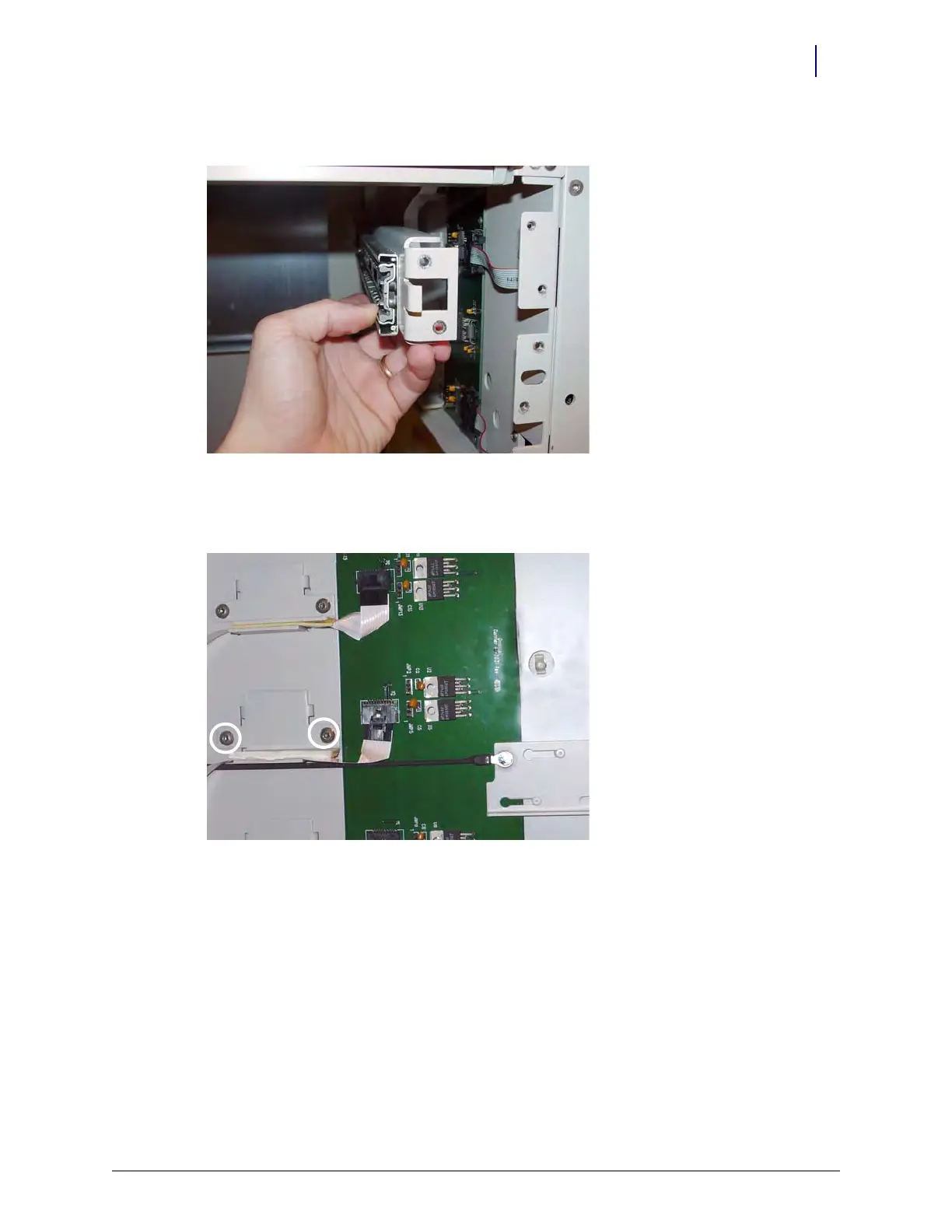
7. Remove all slide support brackets.
Figure 8-4. Remove the Slide Support Brackets
8. Remove the two screws on either side of each cable mounting bracket using a Torx T15
screwdriver.
Figure 8-5. Remove the Screws on the Cable Mounting Bracket



 To Next Page