9-2 Manual Override
Removal Procedure
1-, 2-, 3-Cell Color Touch Installation and Service Guide/67-2014 Rev G © 2011 Omnicell, Inc.
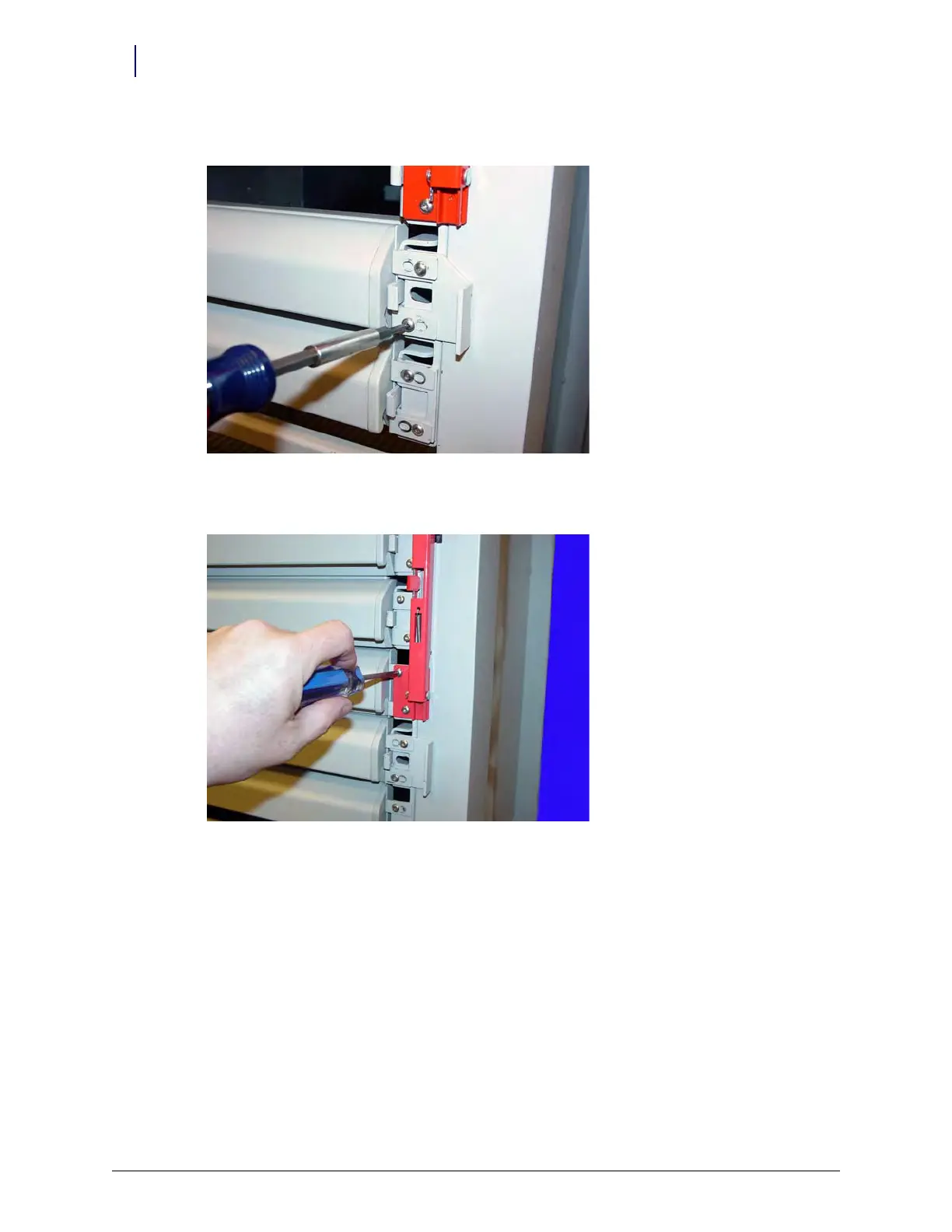
4. Remove any false drawer fronts.
Figure 9-2. Remove the Screws Securing the False Drawer Front
5. Remove the two screws securing the manual override lever, then remove the bar.
Figure 9-3. Remove the Manual Override Bar
6. Remove the two screws securing the slide support bracket and slide support bracket.



 To Next Page