User’s Manual of GS-4210 Series
3. While the packet leaves Port-2, it will be stripped away its tag becoming an untagged packet.
4. While the packet leaves Port-3, it will keep as a tagged packet with VLAN Tag=2.
Tagged packet entering VLAN 2
1. While [PC-3] transmits a tagged packet with VLAN Tag=2 enters Port-3, [PC-1] and [PC-2] will receive the packet
through Port-1 and Port-2.
2. While the packet leaves Port-1 and Port-2, it will be stripped away its tag becoming an untagged packet.
Untagged packet entering VLAN 3
1. While [PC-4] transmits an untagged packet enters Port-4, the switch will tag it with a VLAN Tag=3. [PC-5] and
[PC-6] will receive the packet through Port-5 and Port-6.
2. While the packet leaves Port-5, it will be stripped away its tag becoming an untagged packet.
3. While the packet leaves Port-6, it will keep as a tagged packet with VLAN Tag=3.
In this example, VLAN Group 1 is set as default VLAN, but only focuses on VLAN 2 and VLAN 3 traffic
flow.
Setup Steps
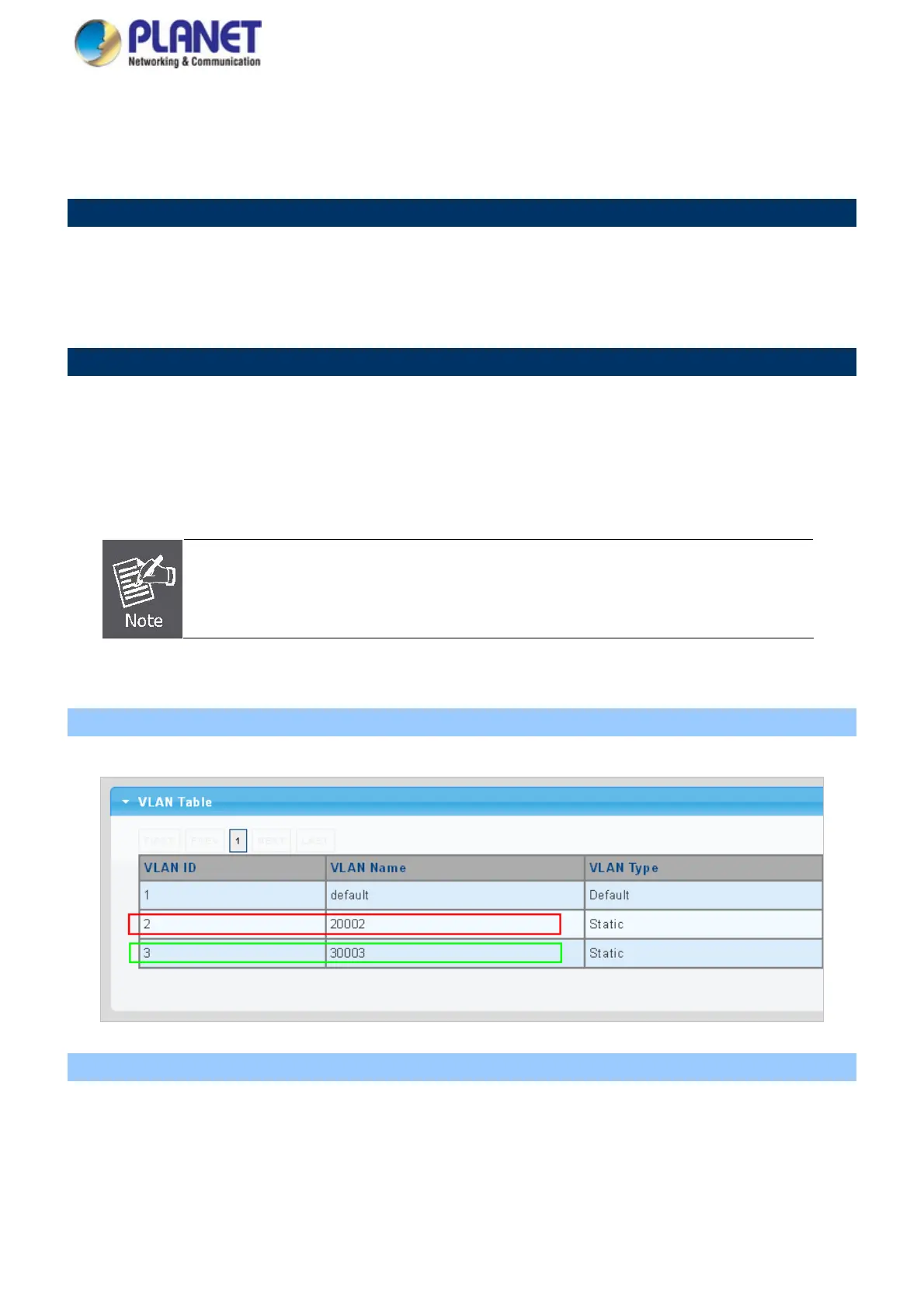
1. Create VLAN Group 2 and 3
Add VLAN group 2 and group 3
2. Assign VLAN mode and PVID to each port:
Port-1,Port-2 and Port-3 : VLAN Mode = Hybrid, PVID=2
Port-4,Port-5 and Port-6 : VLAN Mode = Hybrid, PVID=3
138



 To Next Page
 Loading...










