User’s Manual of GS-4210 Series
4.9.1.2 802.1X Setting
This page allows you to configure the IEEE 802.1X authentication system.
The IEEE 802.1X standard defines a port-based access control procedure that prevents unauthorized access to a network by
requiring users to first submit credentials for authentication. One or more central servers, the backend servers, determine
whether the user is allowed access to the network. These backend (RADIUS) servers are configured on the "Security→802.1X
Access Control→802.1X Setting" page. The IEEE802.1X standard defines port-based operation, but non-standard variants
overcome security limitations as shall be explored below.
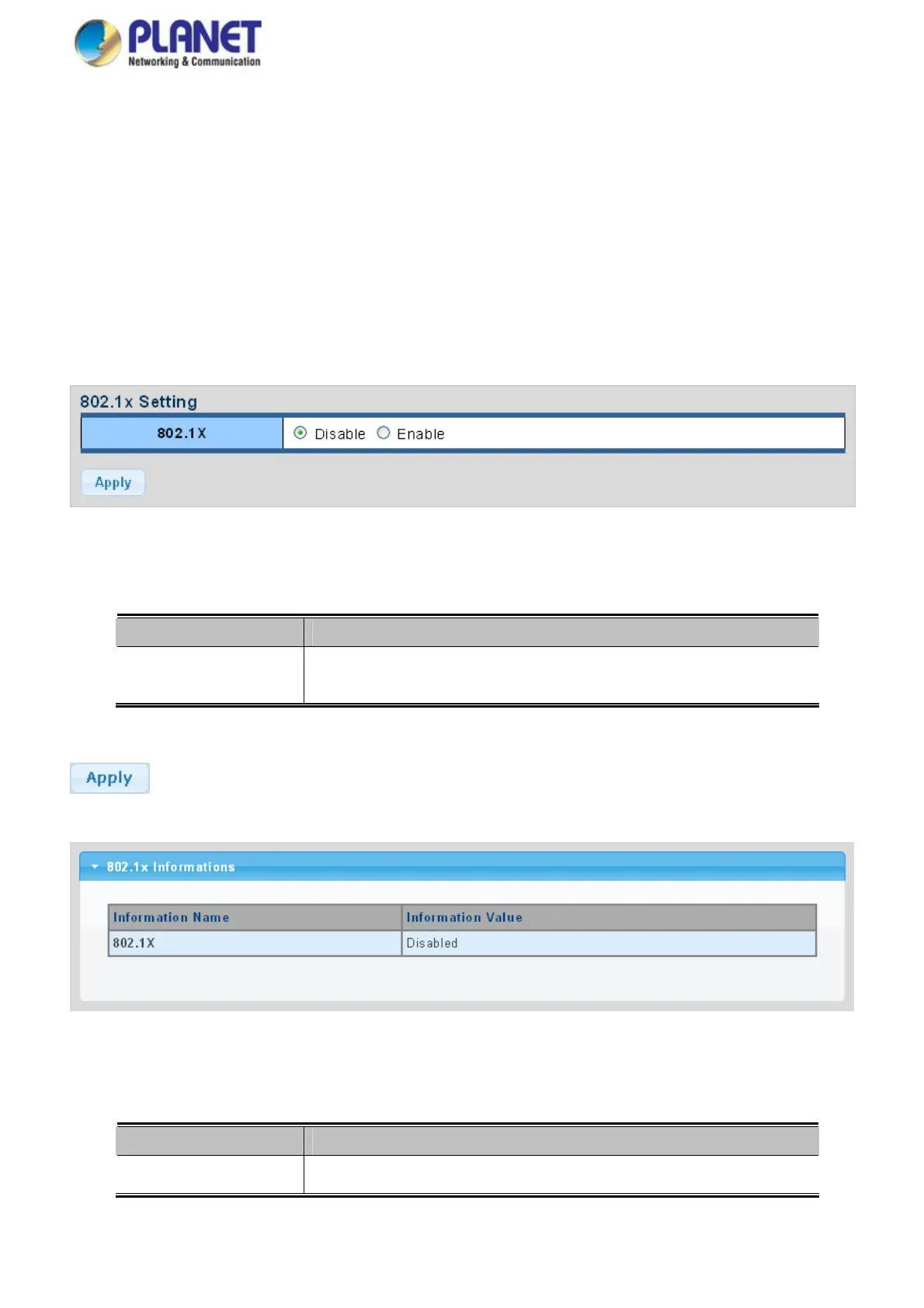
The 802.1X Setting and Information screens in Figure 4-9-3 & Figure 4-9-4 appear.
Figure 4-9-3 802.1X Setting Page Screenshot
The page includes the following fields:
Object Description
802.1X
Indicates if NAS is globally enabled or disabled on the switch. If globally disabled,
all ports are allowed forwarding of frames.
Buttons
: Click to apply changes.
Figure 4-9-4 802.1X Information Page Screenshot
The page includes the following fields:
Object Description
802.1X
Display the current 802.1X state
218



 To Next Page
 Loading...










