User’s Manual of GS-4210 Series
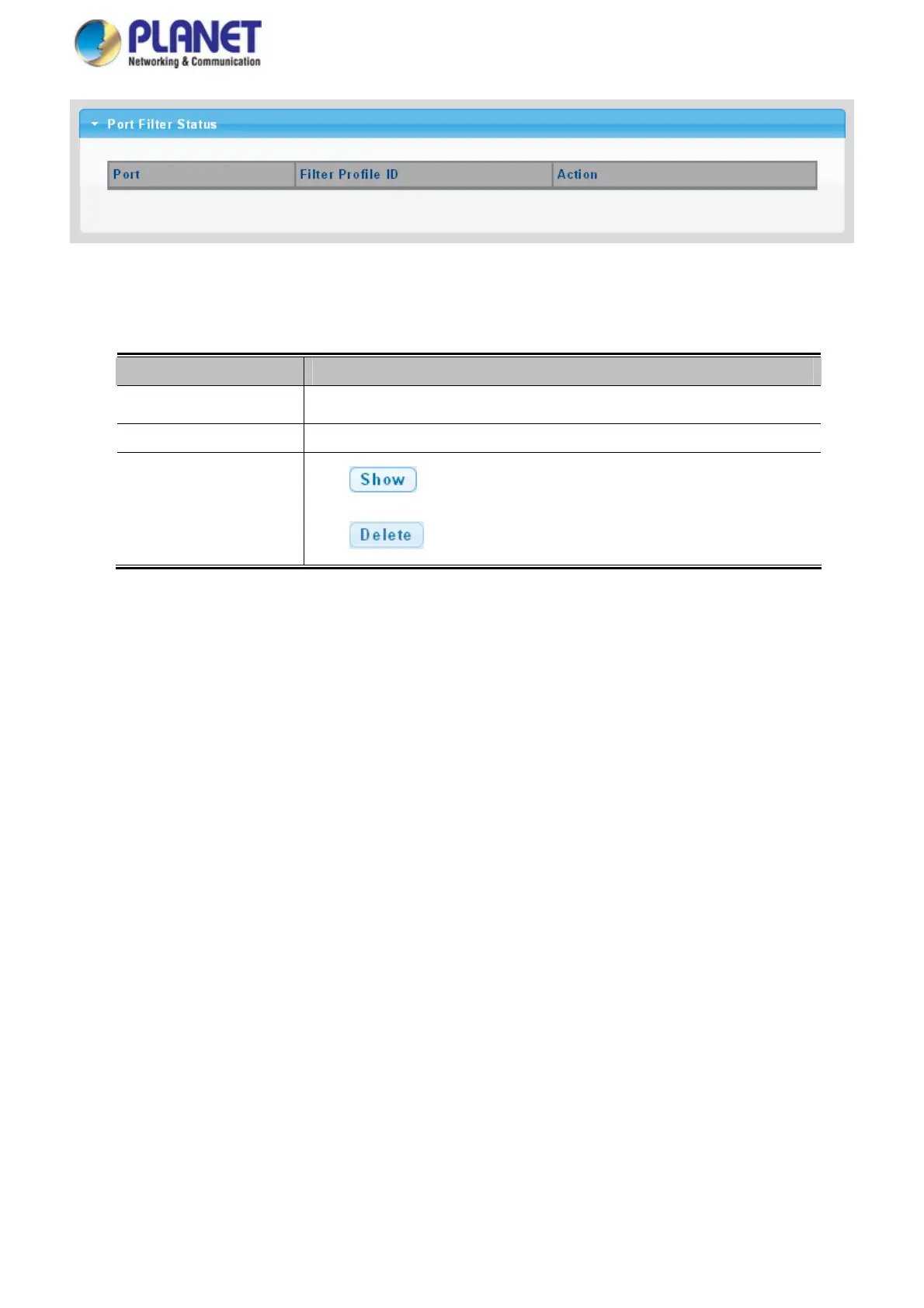
Figure 4-7-41 Port Filter Status Page Screenshot
The page includes the following fields:
Object Description
Port
Display the current port
Filter Profile ID
Display the current filter profile ID
Action
Click
to display detail profile parameter
Click
to delete the MLD filter profile entry
193



 To Next Page
 Loading...










