Guidelines to Setup an Ac-
count
5.3
See also
• Account Modes on page 97.
Setting up 'No Accounts'
Activating the 'No Accounts' Mode provides any user with unlimited access to all Mailing
System functions.
'No Accounts' Mode is the default mode of your Mailing System.
Activating 'No Accounts'
• Follow the procedure How to Display and Change the 'Account Mode' on page 98
and select the 'No Accounts' mode.
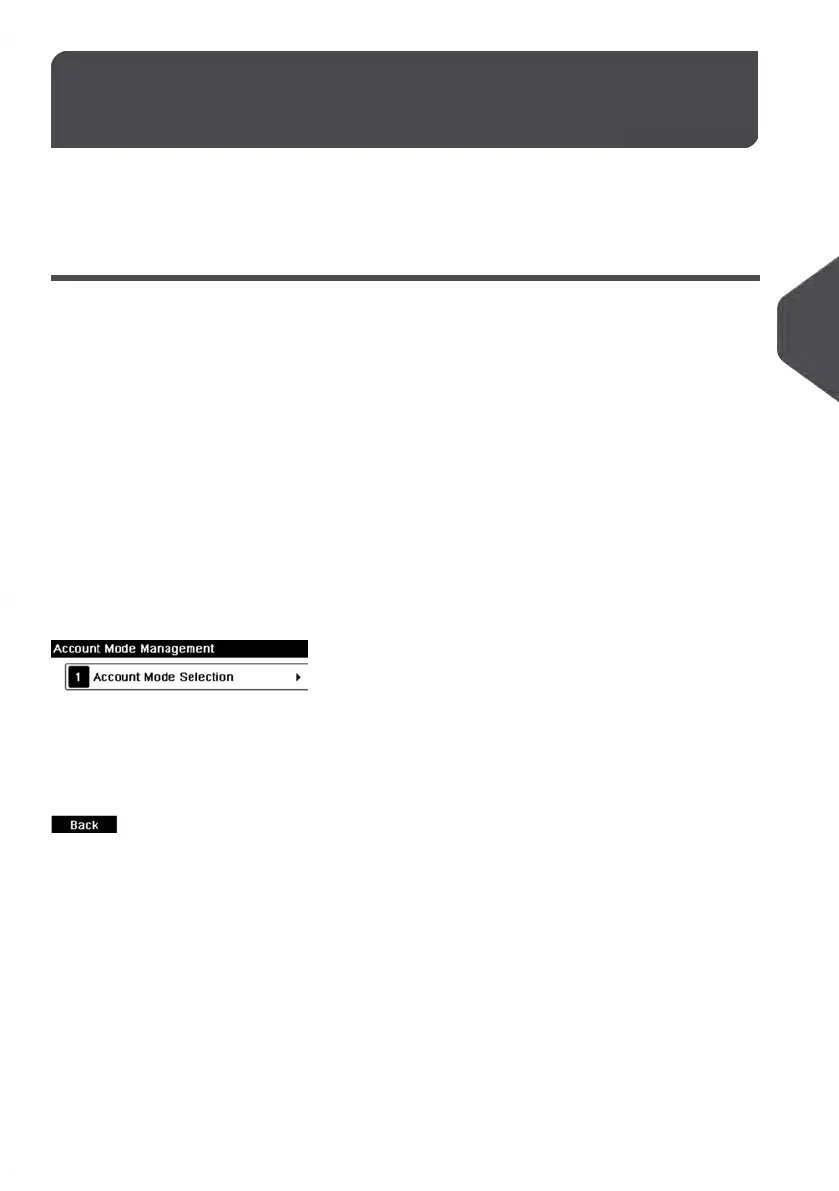
'No Accounts' Management Menu
In 'No Accounts' mode:
No other setting is necessary for the 'No Accounts' mode.
99
| Page 99 | | Jan-13-2017 10:45 |
5
Managing Accounts and Assigning Rights















 To Next Page