Processing Mail in [Date Correction] Mode
To run mail, follow the procedure below after you have completed the steps in Setting [Date
Correction] Mode on page 51.
Before printing, turn the envelope to print on a free area.
How to Process Mail in [Date Correction] Mode
To print a Meter Impression with a new Date or Advanced Date:
1.
Press .The system motors start running.
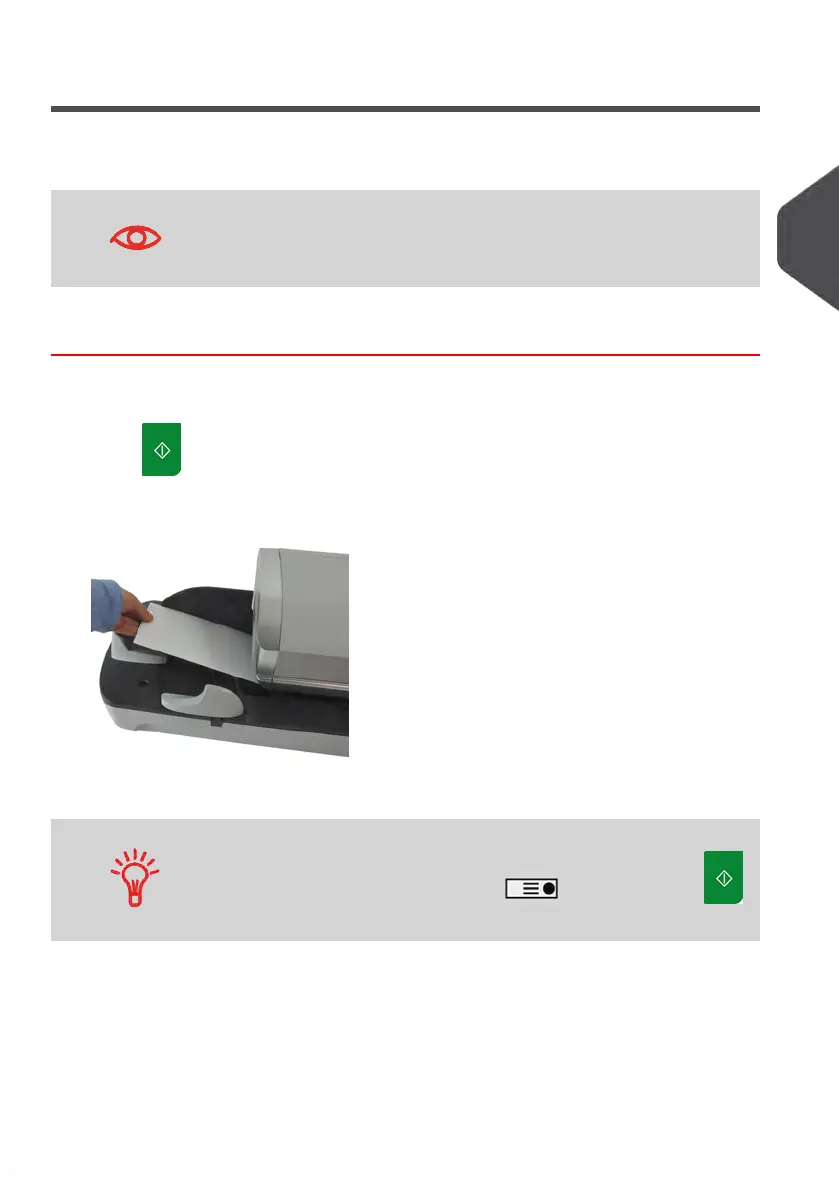
2. Insert the mail piece(s) into the mail path against the rear-guide wall, side to be printed
facing upwards (see How to Use the Feeder on page 35).
The Mailing System applies the impression and the mail piece (or label) is sent to the
catch tray.
If mail piece is bigger than mail path maximum thickness (see Mail
Specifications on page 237), press before you press
to print a label. The label is printed.
3
Processing Mail
53
| Page 53 | Jan-13-2017 10:45 |















 To Next Page